

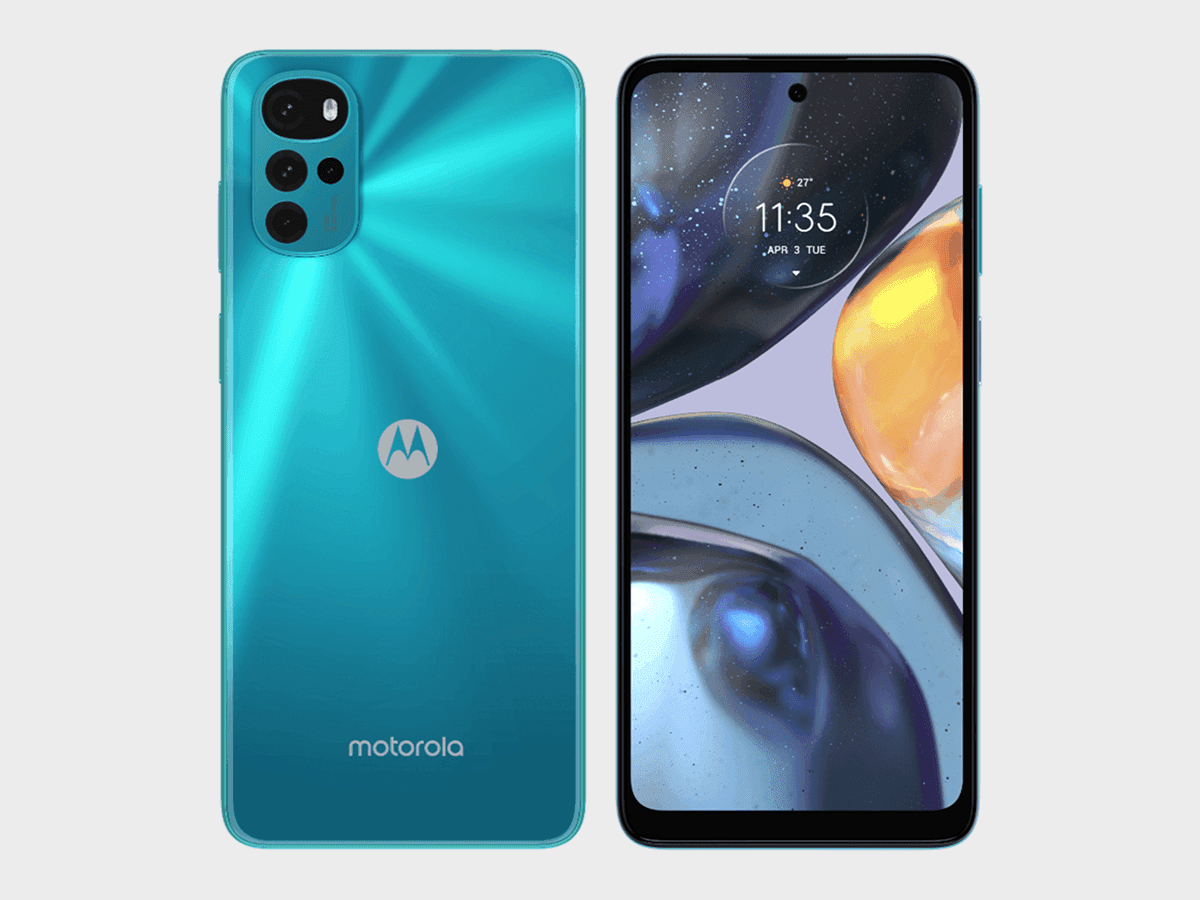
Motorola G22 Simulator & Emulator — Viewport, Resolution & CSS Specs
Test your website on Motorola G22 in one click — no real device required.
- Free
- 40,000+ users
Motorola G22 is a popular device to simulate and emulate among web developers and designers for testing responsive layouts and mobile UI behavior. Year of release: 2022.
Why Test on Motorola G22?
Viewport
6.5-inch HD+ LCD at 90 Hz offers a 20:9 viewport for testing mobile layouts and scrolling.
Pixel Density (DPR)
Standard pixel density reveals blurry images and icon scaling issues on screen.
Performance & Animations
Helio G37 represents entry-level performance, useful for spotting heavy scripts and slow interactions.
Viewport Size (CSS Resolution)
The CSS viewport defines how media queries, layout breakpoints, and responsive components behave.
For Motorola G22, the CSS viewport measures:
- Width: 360 px
- Height: 800 px
ℹ️ The visible height can vary slightly depending on the browser UI (Safari, Chrome, etc.).
Some analytics platforms only display the physical screen resolution (see below) instead of the CSS viewport size.
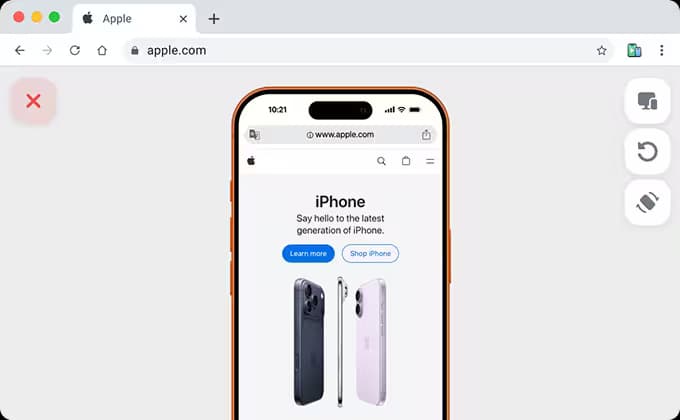
To see exactly how this viewport behaves in real conditions, you can simulate Motorola G22 directly in your browser using Phone Simulator.
Free Motorola G22 Simulator & Emulator
Accurate viewport simulation directly in your browser.
- No account required
- 80+ devices included
- Works offline
- Free
- 40,000+ users
Pixel Density (Device Pixel Ratio)
Motorola G22 has a device pixel ratio of 2.
Each CSS pixel is rendered using 2 physical pixels, resulting in sharper text and images.
For CSS targeting:
@media only screen and (-webkit-min-device-pixel-ratio: 2) {
	/* High-DPI specific styles */
}
In JavaScript:
window.devicePixelRatio;
// returns: 2
Physical Screen Resolution
Physical resolution refers to the actual number of hardware pixels on the display. While it does not affect CSS layouts, it is commonly shown in analytics and device specifications.
- Width: 720 px
- Height: 1600 px
ℹ️ Physical resolution is not used for CSS layouts but is often shown in analytics tools.
Frequently Asked Questions
What is the viewport size of Motorola G22?
Motorola G22 has a viewport size of 360×800 CSS pixels.
How can I test my website on Motorola G22?
You can simulate it instantly using the Phone Simulator Chrome extension - no real device required.
How is Phone Simulator better than Chrome DevTools for Motorola G22?
DevTools shows an approximate viewport size, but does not emulate the real mobile browser. Phone Simulator uses exact device characteristics and shows how your site renders in a real mobile browser environment.
Can I test localhost with Phone Simulator on Motorola G22?
Yes. Phone Simulator works with any local URL, including localhost:3000, 127.0.0.1, and similar development setups.
Do I need to buy a Motorola G22 for testing?
No. Phone Simulator provides accurate device simulation for $0 instead of spending $170+ on a physical device.
More Devices for Mobile Testing
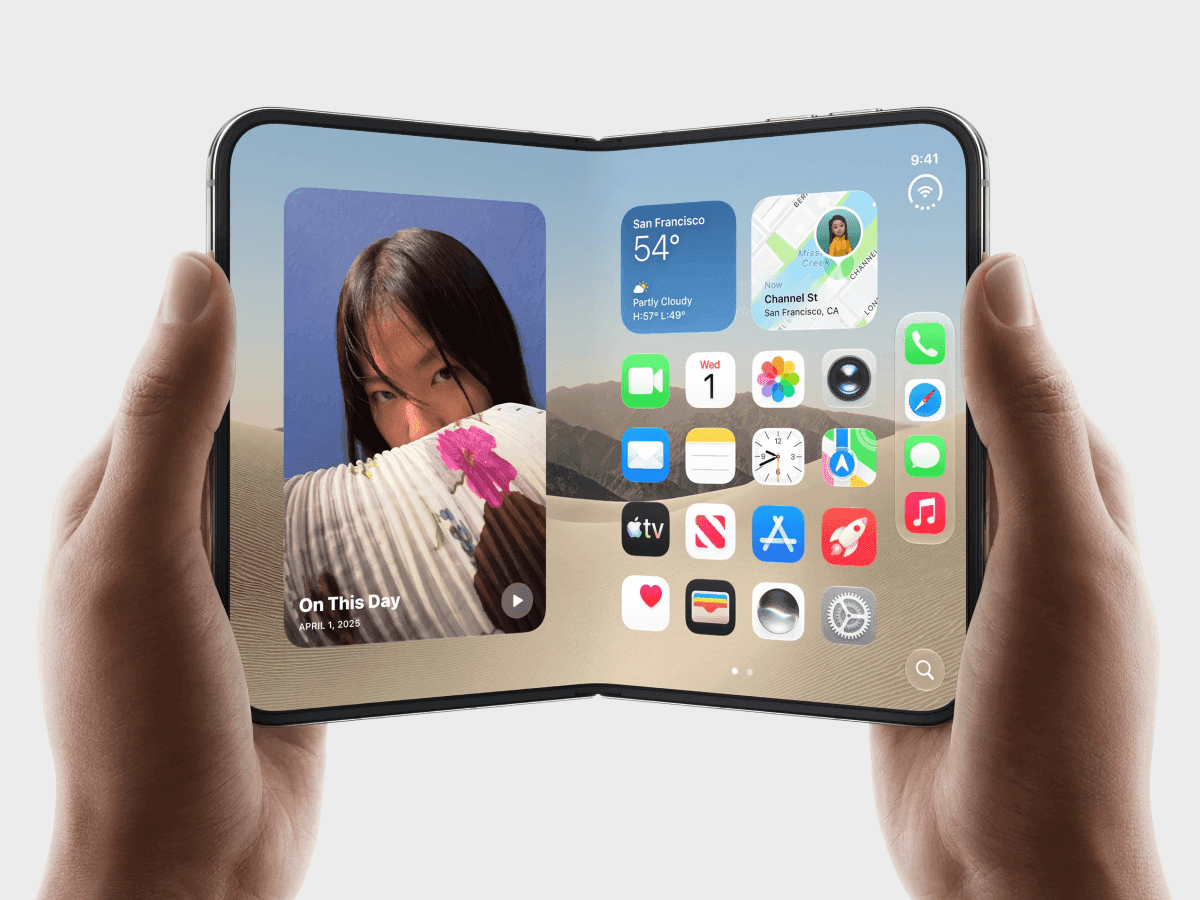
Apple iPhone Duo
✅ Ready to Simulate in Extension
5.4-inch smartphone released in 2026, featuring 466x678px viewport resolution, 3x pixel density display
See full specifications
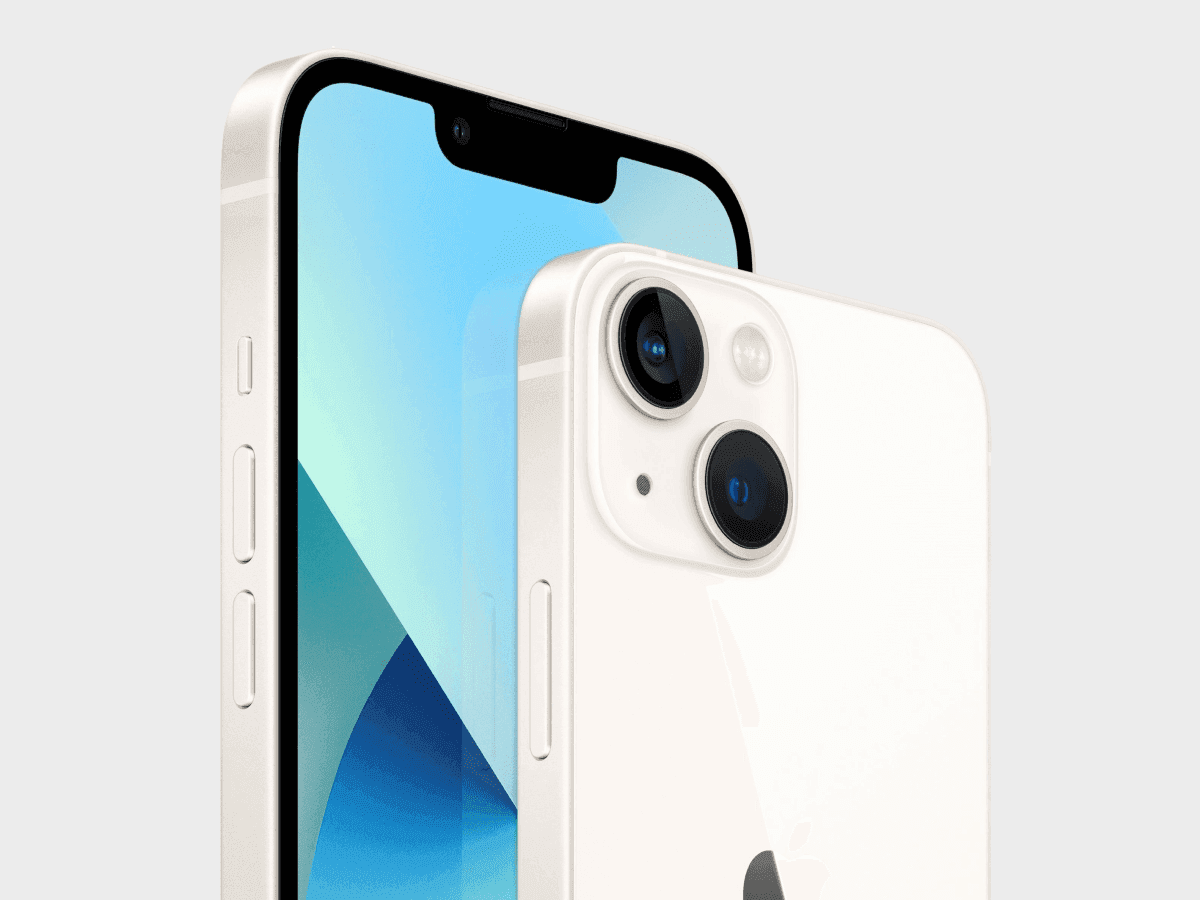
Apple iPhone 13
✅ Ready to Simulate in Extension
6.1-inch smartphone released in 2021, featuring 390x844px viewport resolution, 3x pixel density display
See full specifications
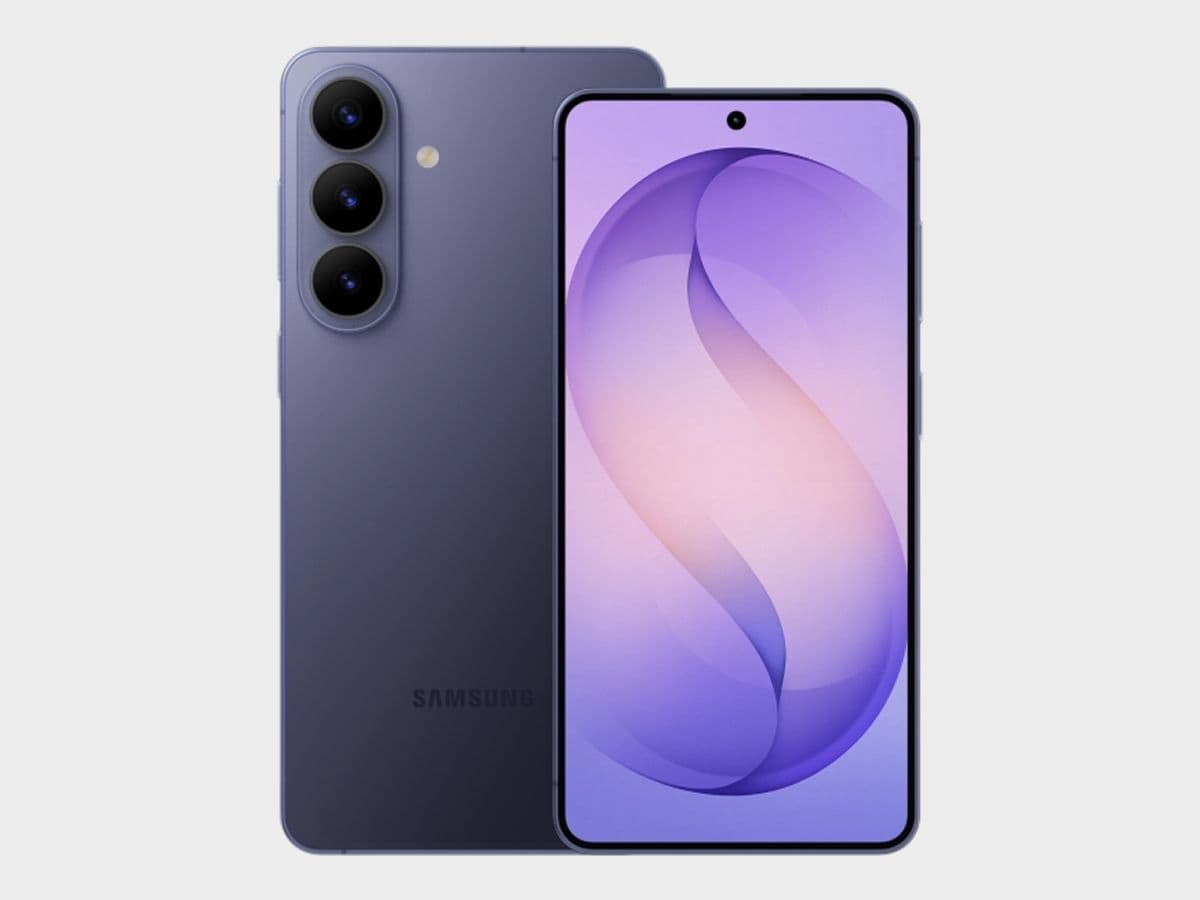
Samsung Galaxy S26+
✅ Ready to Simulate in Extension
6.7-inch smartphone released in 2026, featuring 480x1040px viewport resolution, 3x pixel density display
See full specifications