
Free Samsung Simulator & Emulator for Website Testing
Preview any website on Galaxy S26, S25, Z Fold, Z Flip and more — directly in your browser. No device needed.
- Free
- 40,000+ users
Why Test Your Website on Samsung?
Your site may look perfect on iPhone — and completely broken for Samsung Galaxy users.

Samsung Is the World's Best-Selling Android Brand
Samsung leads global Android market share by a wide margin. If your site breaks on Galaxy devices, you're losing the single largest slice of Android users.

Galaxy Comes in Wildly Different Shapes
From the compact Galaxy S to the folding Z Flip and Z Fold, Samsung's lineup spans screen ratios and shapes that standard phone previews don't cover.

See the Realistic Samsung Interface
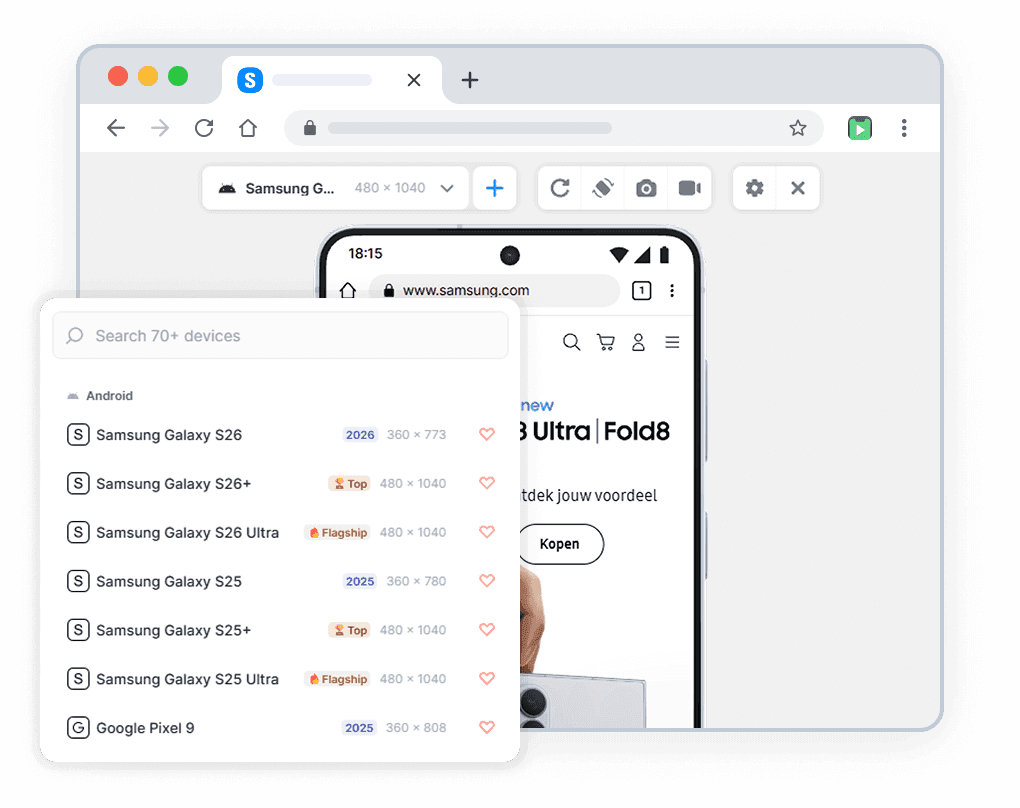
Phone Simulator shows a realistic Samsung device frame and browser UI — not just a bare resized viewport like Chrome DevTools.

No Real Galaxy Required
A new Samsung Galaxy flagship costs $1000+ — and a Z Fold even more. Phone Simulator gives you accurate Galaxy simulation for free, no hardware needed.
Samsung Models You Can Simulate
All models available in the mobile simulator extension. Accurate viewport dimensions and realistic browser interface.
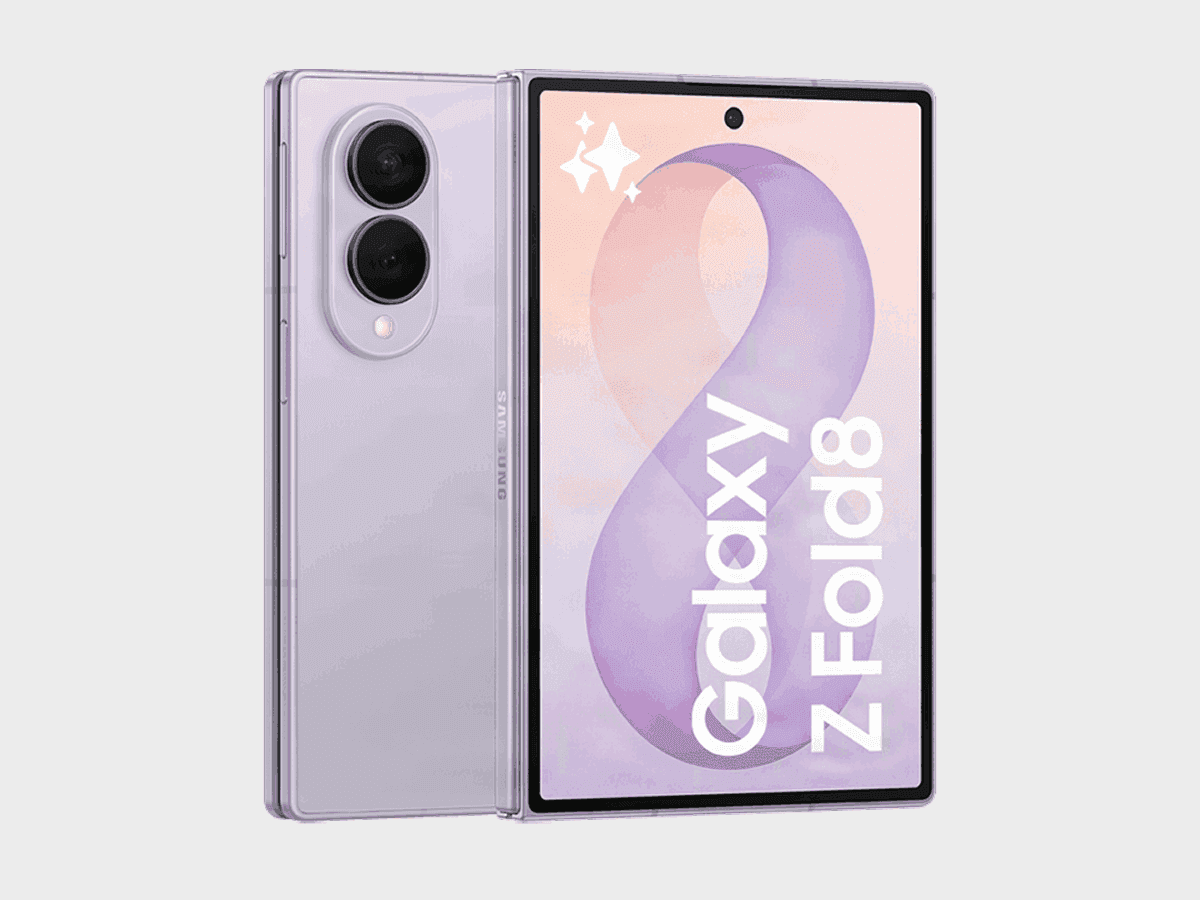
Samsung Galaxy Z Fold8
✅ Ready to Simulate in Extension
7.6-inch smartphone released in 2026, featuring 816x616px viewport resolution, 3x pixel density display
See full specifications
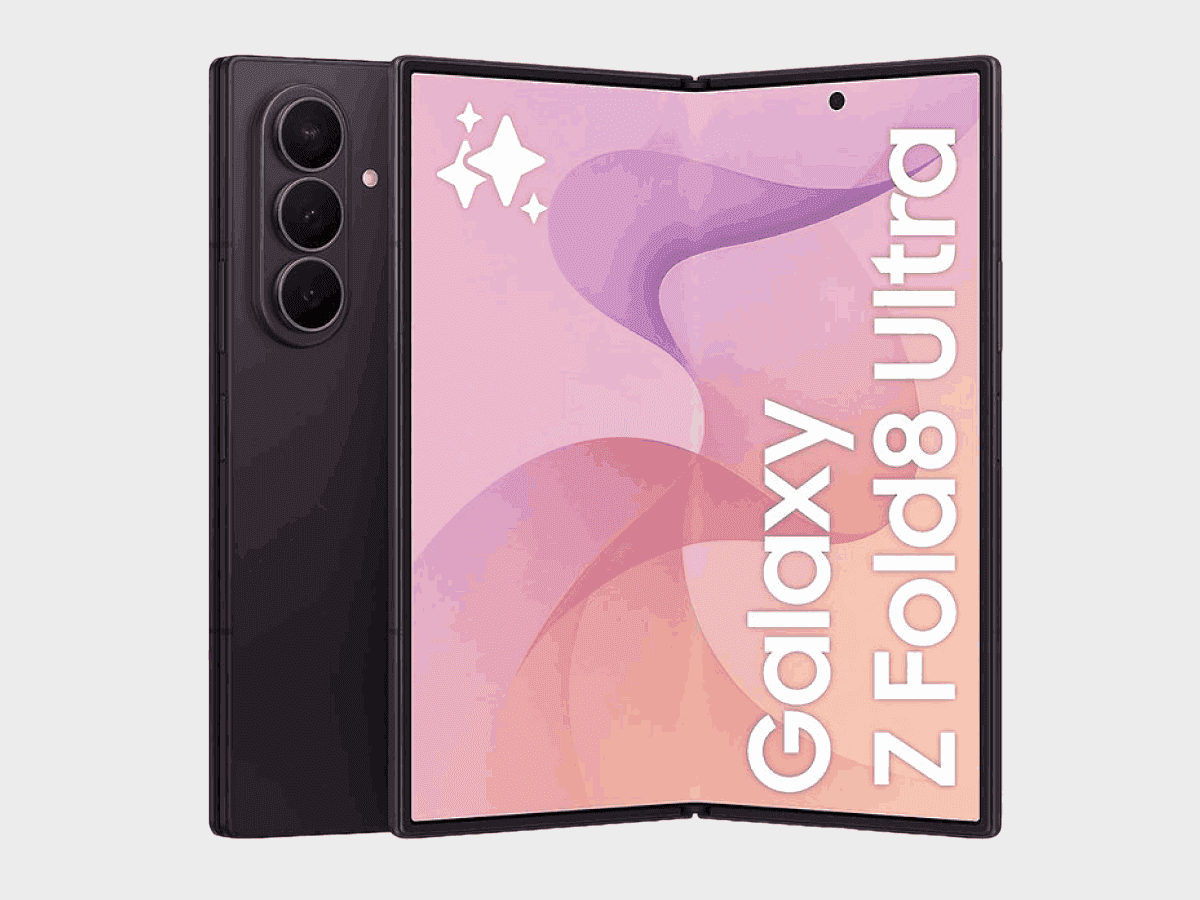
Samsung Galaxy Z Fold8 Ultra
✅ Ready to Simulate in Extension
8-inch smartphone released in 2026, featuring 645x715px viewport resolution, 3.5x pixel density display
See full specifications
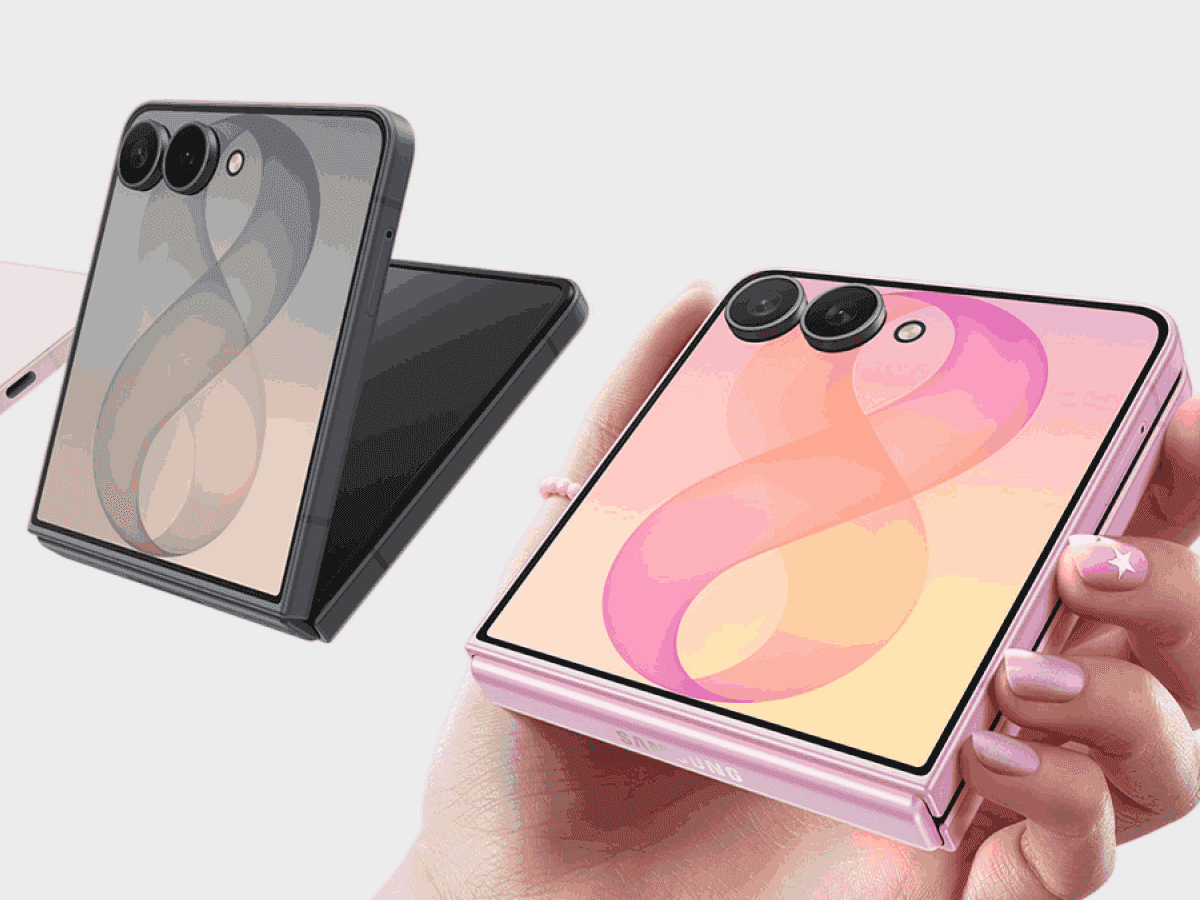
Samsung Galaxy Z Flip8
✅ Ready to Simulate in Extension
6.9-inch smartphone released in 2026, featuring 360x840px viewport resolution, 3x pixel density display
See full specifications
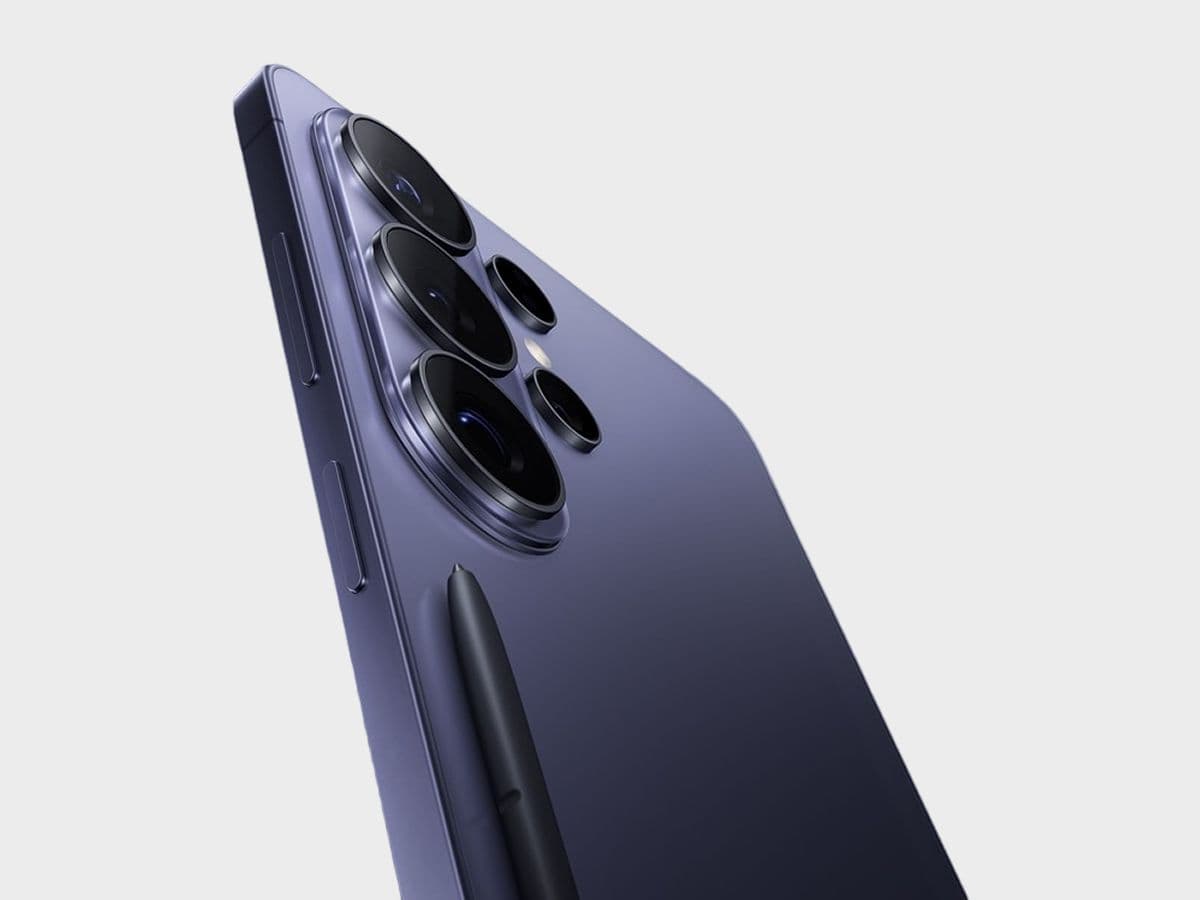
Samsung Galaxy S26 Ultra
✅ Ready to Simulate in Extension
6.9-inch smartphone released in 2026, featuring 480x1040px viewport resolution, 3x pixel density display
See full specifications
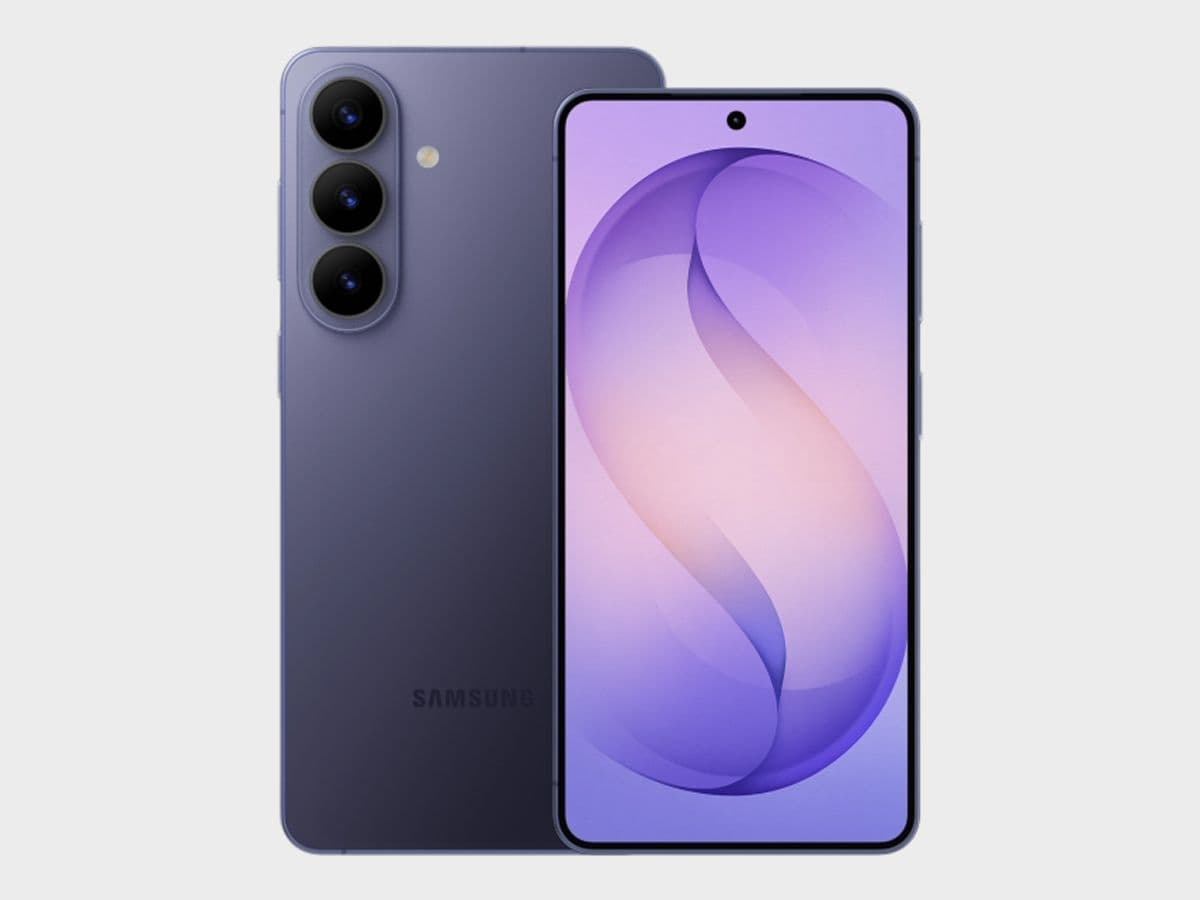
Samsung Galaxy S26+
✅ Ready to Simulate in Extension
6.7-inch smartphone released in 2026, featuring 480x1040px viewport resolution, 3x pixel density display
See full specifications
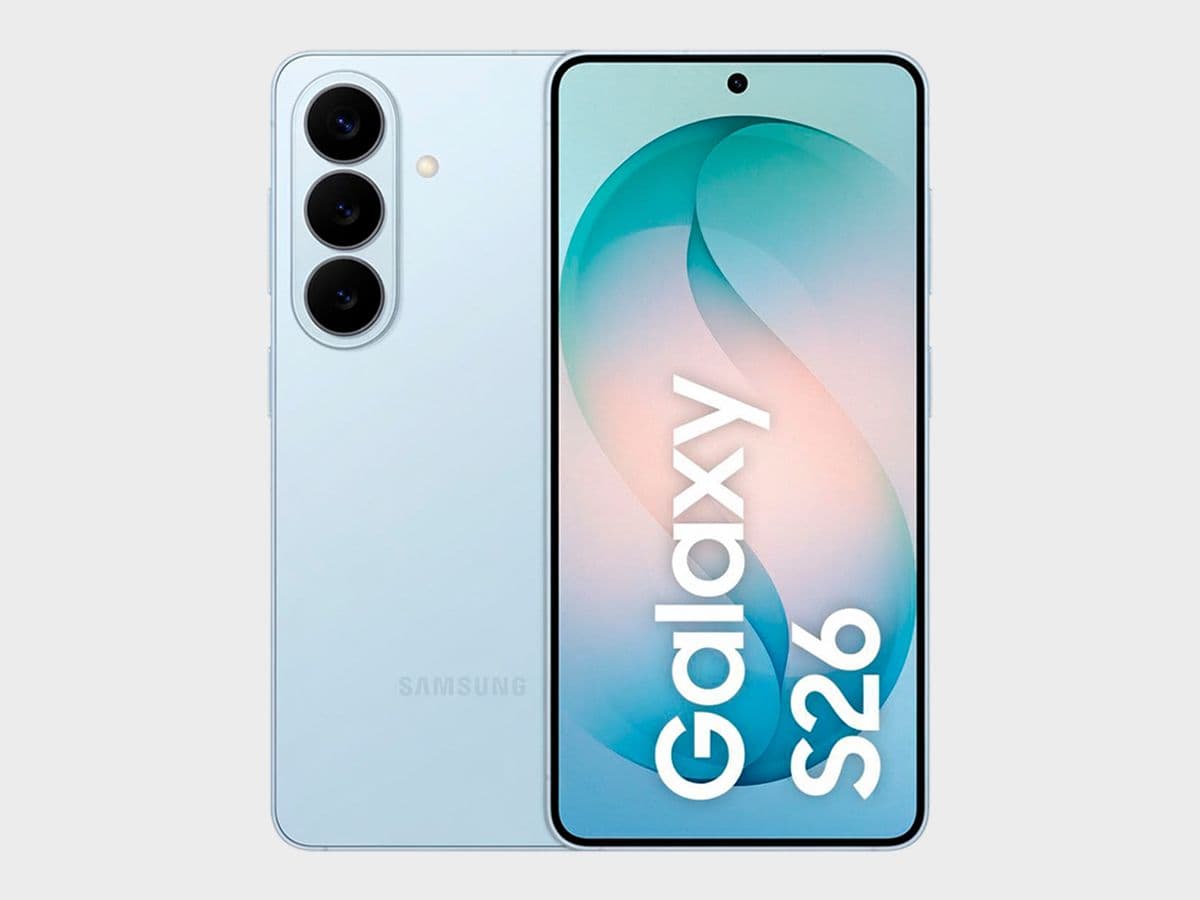
Samsung Galaxy S26
✅ Ready to Simulate in Extension
6.3-inch smartphone released in 2026, featuring 360x773px viewport resolution, 3x pixel density display
See full specifications
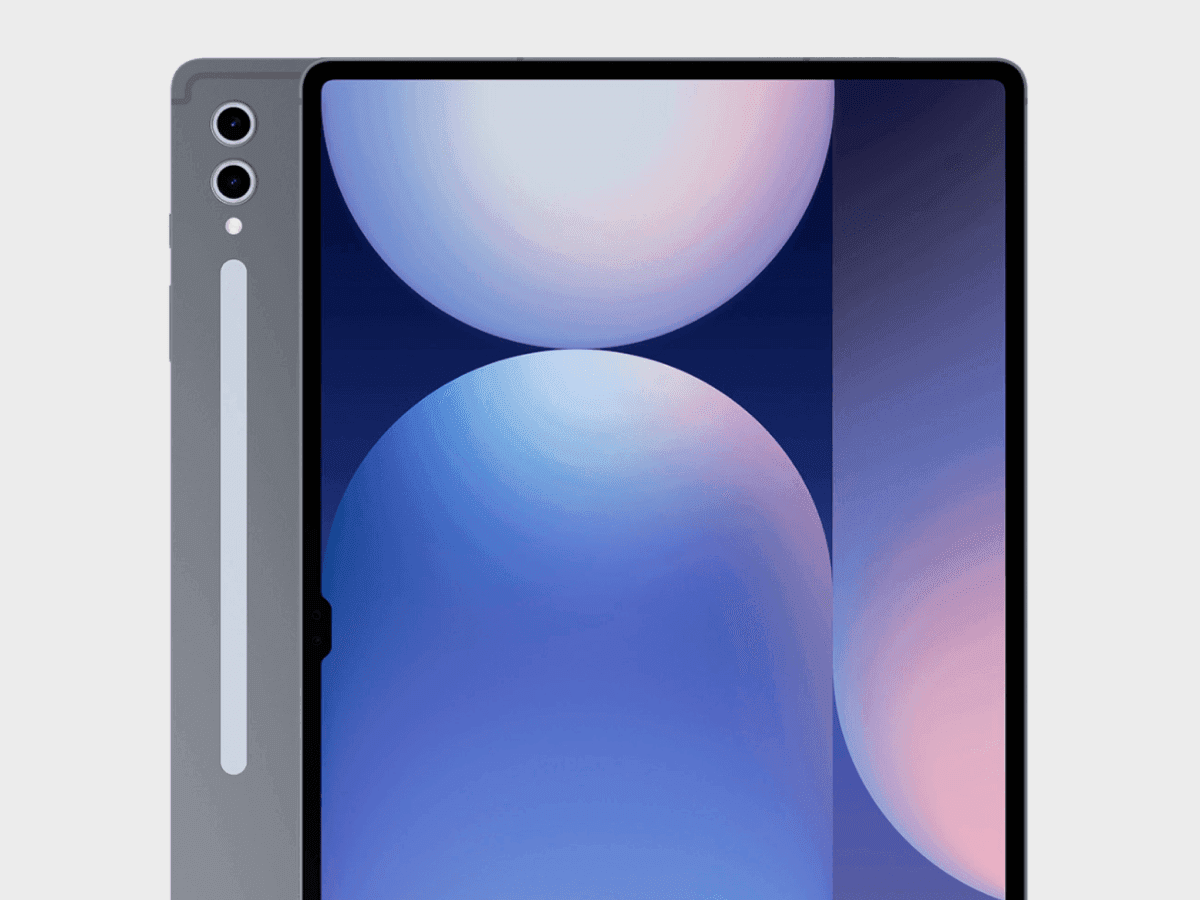
Samsung Galaxy Tab S10 Plus
✅ Ready to Simulate in Extension
12.4-inch smartphone released in 2024, featuring 876x1400px viewport resolution, 2x pixel density display
See full specifications
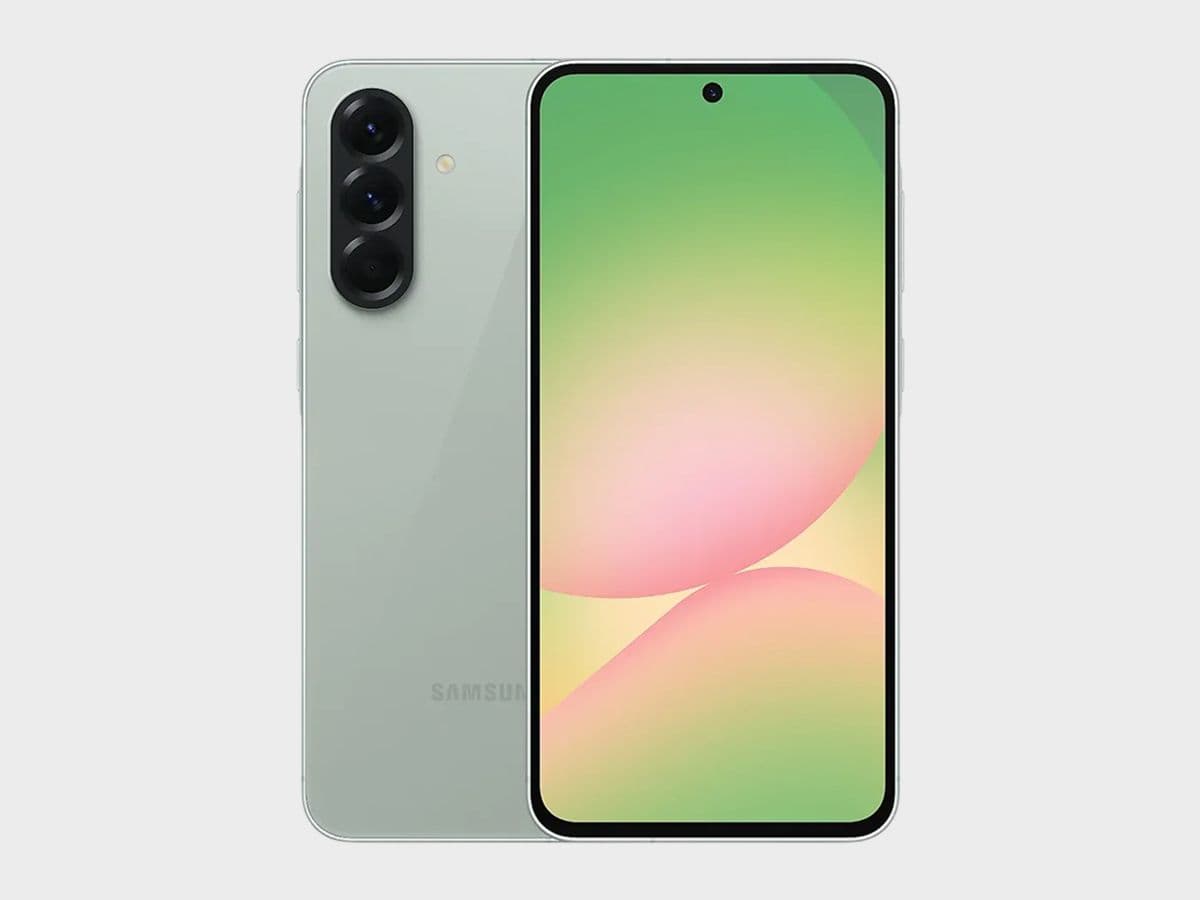
Samsung Galaxy A56
✅ Ready to Simulate in Extension
6.7-inch smartphone released in 2025, featuring 360x780px viewport resolution, 3x pixel density display
See full specifications
Start Simulating in 60 Seconds
No account, no setup, no physical device.
Install the Extension
Add Phone Simulator to Chrome from the Web Store. Free, one click, no signup required.
Open Any Website
Go to your site, localhost, staging URL, or any live domain you want to test.
Pick a Device Model
Select the model from the list — your website instantly appears inside a realistic frame.
Real User Reviews
Rated 4.7 in Chrome Web Store

Abolfazl B.

I’m a react front-end developer and honestly this extension saved a LOT of time for me

Ayokunle F.
Makes coding and watching preview on multiple devices so much easier

Svyatoslav Y.
I like that the developer often adds new devices!
Frequently Asked Questions
Is Samsung mobile simulator Chrome extension free?
Yes. Samsung mobile simulator is a free Chrome extension — no subscription, no account required. Install it from the Chrome Web Store in one click and start testing immediately.
How is Samsung simulator and emulator different from Chrome DevTools?
Chrome DevTools shows a bare viewport with no visual context. Samsung simulator replicates the real mobile browser interface — status bar, network icons, browser chrome — so you see exactly what your users see. It also supports instant device switching and one-click screenshots.
Can I test localhost with Samsung mobile simulator extension?
Yes. Samsung mobile simulator works with any URL — localhost:3000, 127.0.0.1, staging environments, and live production sites. No extra configuration needed.
Does Samsung simulator work with React, Next.js and other frameworks?
Yes. Samsung simulator works with any website regardless of how it was built — React, Next.js, Vue, Angular, Nuxt, SvelteKit, Webflow, WordPress, or plain HTML.
Do I need a real Samsung to use a mobile emulator?
No. Samsung mobile emulator gives you accurate simulation for free — no hardware, no setup, no waiting. A new Samsung costs $1,000+. Phone Simulator is free to get started — no credit card required.
Can I use Samsung simulator online without installing anything?
Phone Simulator is a lightweight Chrome extension — it takes one click to install and works instantly on any website. No separate online tool or account needed.
Does Samsung simulator support the latest Galaxy S26 and Z Fold models?
Yes. Phone Simulator includes Samsung Galaxy S26, S26 Ultra, S25, Z Fold and Z Flip — updated regularly as new Samsung devices are released.
Is there a free Samsung Galaxy simulator available online?
Yes. Phone Simulator works directly in Chrome — no separate online tool needed. Install the extension once and simulate any Samsung Galaxy model instantly on any website.
Can I test foldable Galaxy Z Fold and Z Flip layouts?
Yes. Phone Simulator includes accurate viewport dimensions for both the folded and unfolded states of Galaxy Z Fold and Z Flip, so you can catch layout issues unique to foldable screens.
Install Phone Simulator Today
Join thousands of developers and designers who test their sites on real devices for free.
- Free
- 40,000+ users
Samsung Testing Guides
Practical guides to help you build better websites for Samsung users.
CSS Grid vs Flexbox for Mobile: When to Use Each
Mobile layouts demand precision. Every pixel counts, screen space is limited, and users expect interfaces that adapt flawlessly to different device sizes. CSS Grid and Flexbox both solve layout challenges, but they work fundamentally differently - and choosing the wrong one creates problems.
Read more
Why Android and iOS Render Websites Differently - And How to Design for Both
Android and iOS render websites differently due to fundamental differences in their browser engines, default settings, and system-level behaviors. Understanding these differences is crucial for creating websites that work seamlessly across all devices.
Read more
Why Website Must Look Perfect on the Galaxy Fold - And How to Achieve It
This article explains why foldable optimization matters and how you can ensure your website looks flawless on devices like the Samsung Galaxy Z Fold 6, Samsung Galaxy Z Flip 6, Google Pixel Fold 2, and upcoming hybrid "FlexScreen" devices expected to launch later in 2026.
Read more