
Free iPhone Simulator & Emulator for Website Testing
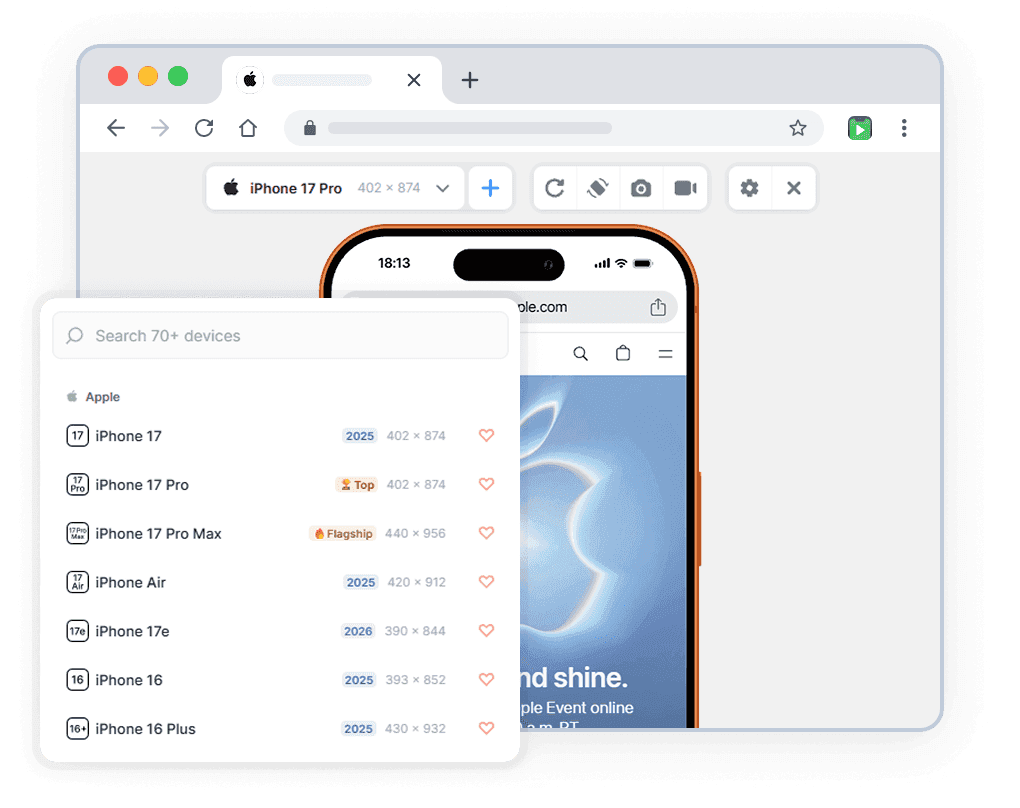
Preview any website on iPhone 17, 17 Pro Max, 16, 15 and more — directly in your browser. No device needed.
- Free
- 30,000+ users
Why Test Your Website on iPhone?
Your site may look perfect on Android — and completely broken for iPhone users.

iPhone Is the World’s Most Used Smartphone
Over 55% of mobile users in the US and EU browse on iPhone. If your site breaks on iOS, you're losing your most valuable visitors.

See It Like Your Users Do
Phone Simulator replicates the real iOS browser interface — status bar, icons, browser — not just a bare viewport like Chrome DevTools.

Show Clients a Realistic Preview
Skip the screen recording chaos. Show clients exactly how their site looks on iPhone — right from your browser. Take a screenshot in one click.

No Real Device Required
A new iPhone costs $1,000+. Phone Simulator gives you accurate iPhone simulation for free — no hardware, no setup, no waiting.
iPhone Models You Can Simulate
All models available in the mobile simulator extension. Accurate viewport dimensions and realistic browser interface.
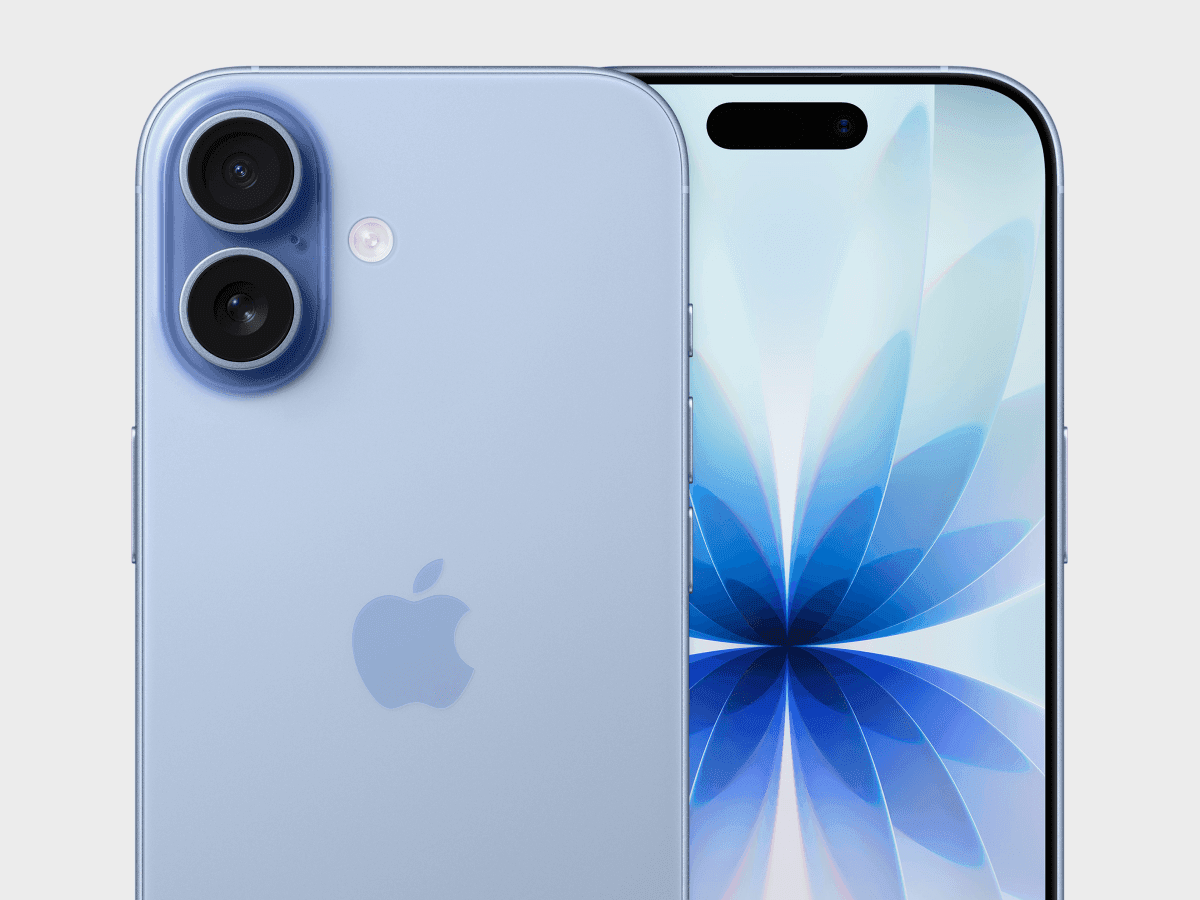
Apple iPhone 17
✅ Ready to Simulate in Extension
6.3-inch smartphone released in 2025, featuring 402x874px viewport resolution, 3x pixel density display
See full specifications
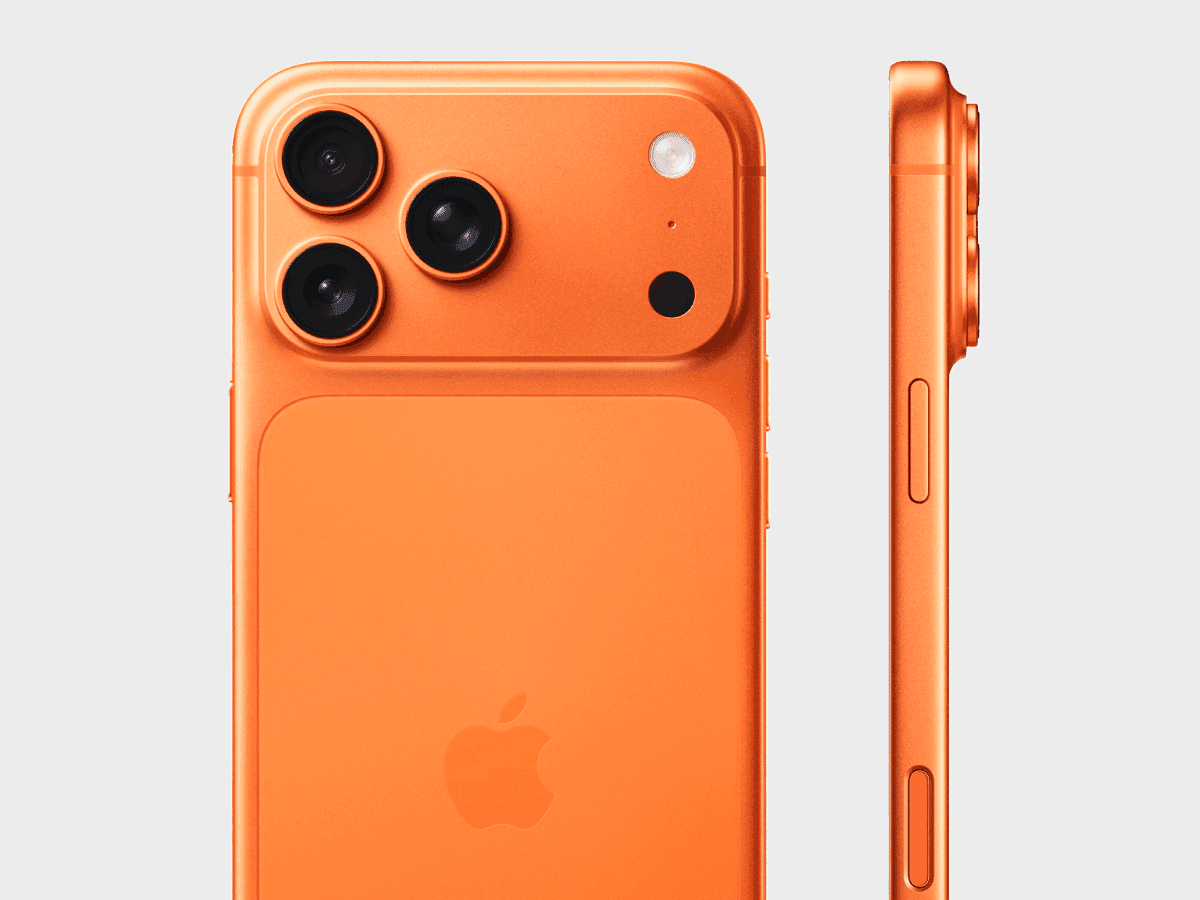
Apple iPhone 17 Pro
✅ Ready to Simulate in Extension
6.3-inch smartphone released in 2025, featuring 402x874px viewport resolution, 3x pixel density display
See full specifications
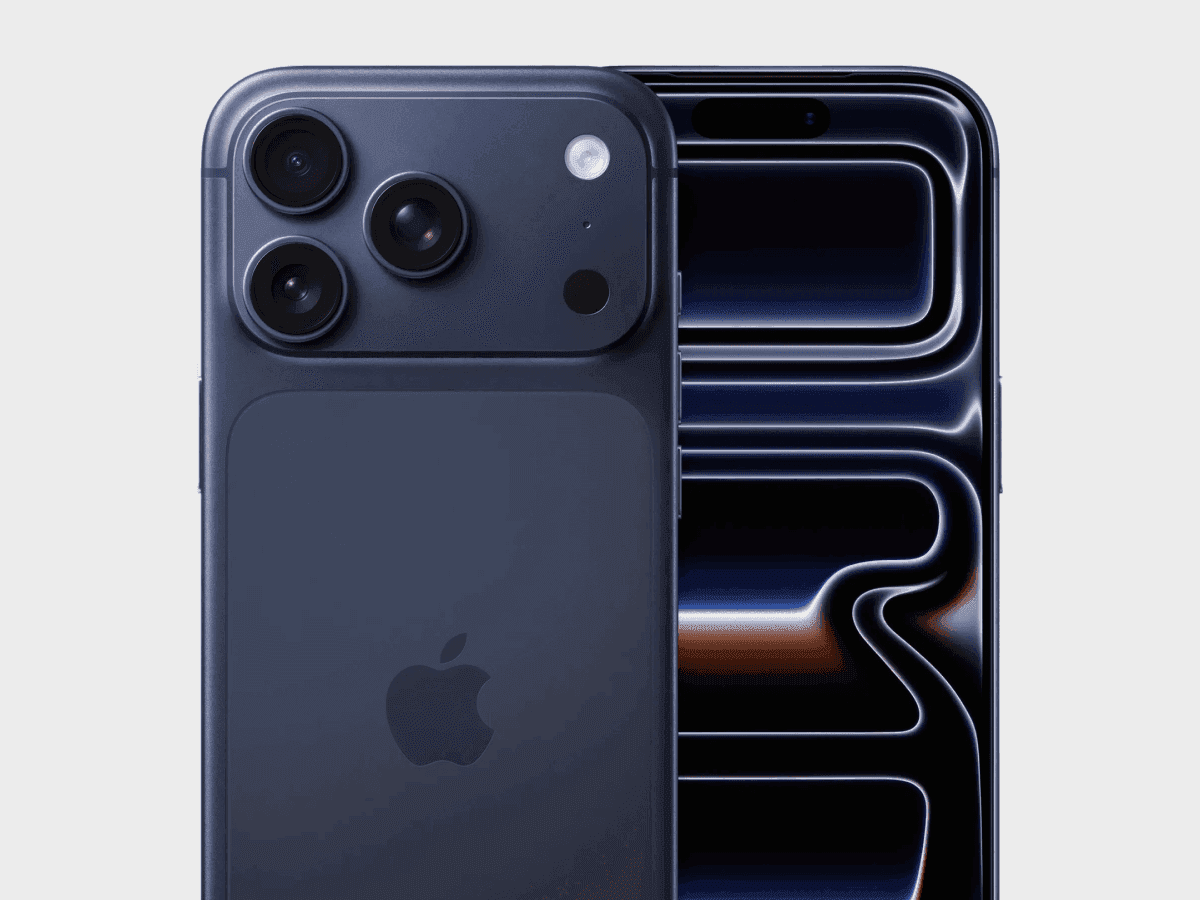
Apple iPhone 17 Pro Max
✅ Ready to Simulate in Extension
6.9-inch smartphone released in 2025, featuring 440x956px viewport resolution, 3x pixel density display
See full specifications
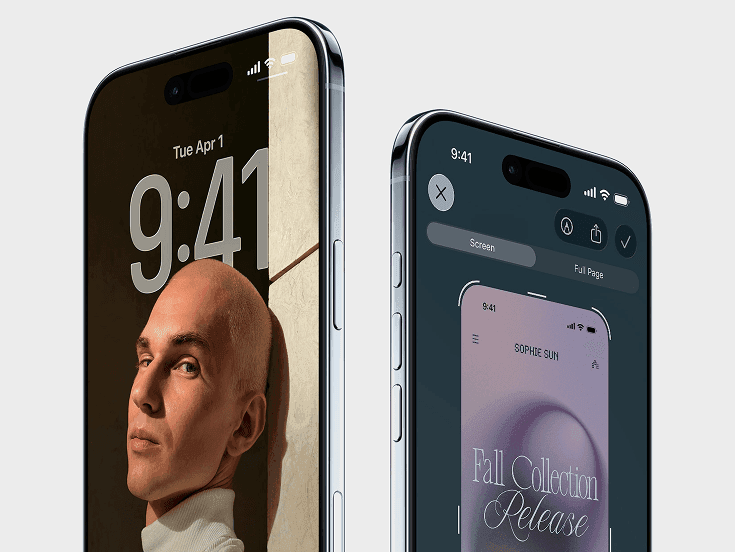
Apple iPhone Air
✅ Ready to Simulate in Extension
6.5-inch smartphone released in 2025, featuring 420x912px viewport resolution, 3x pixel density display
See full specifications
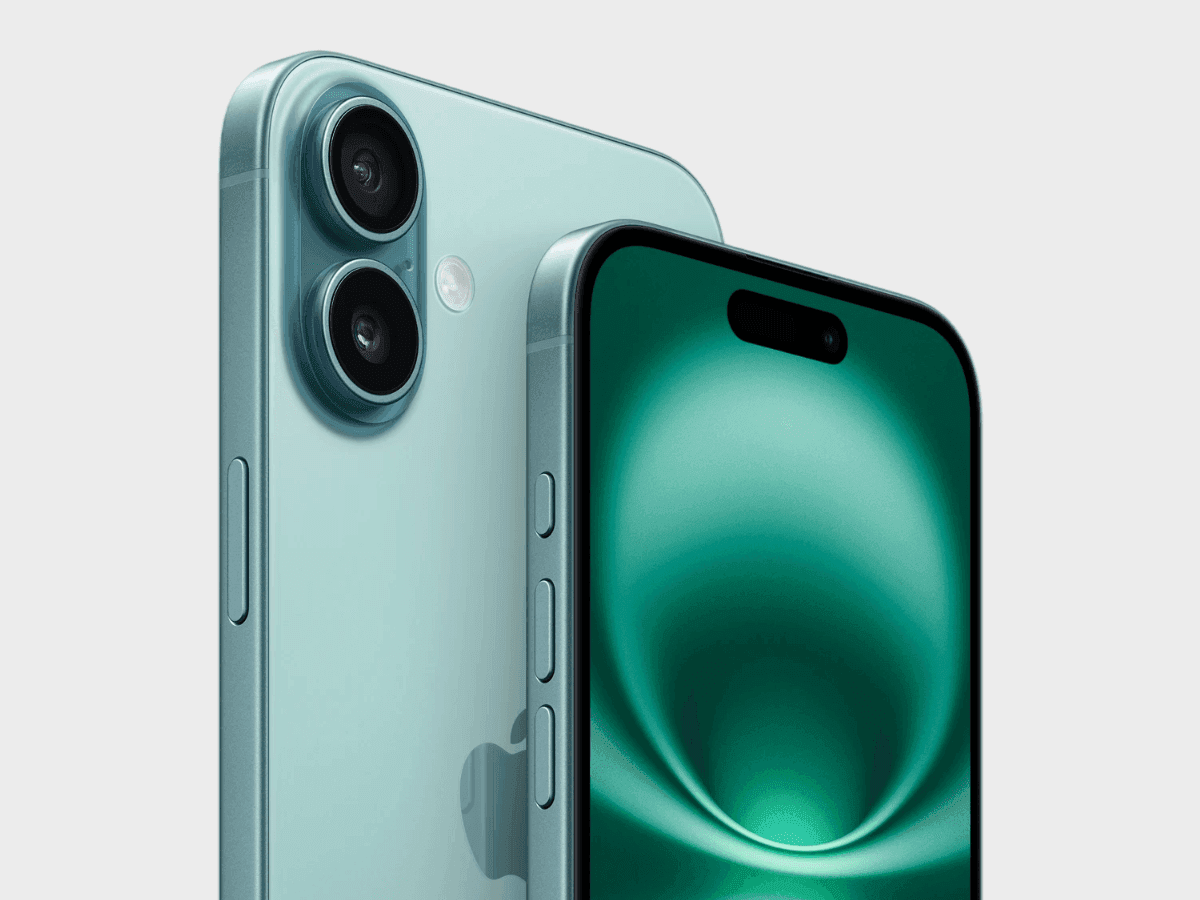
Apple iPhone 16
✅ Ready to Simulate in Extension
6.1-inch smartphone released in 2024, featuring 393x852px viewport resolution, 3x pixel density display
See full specifications
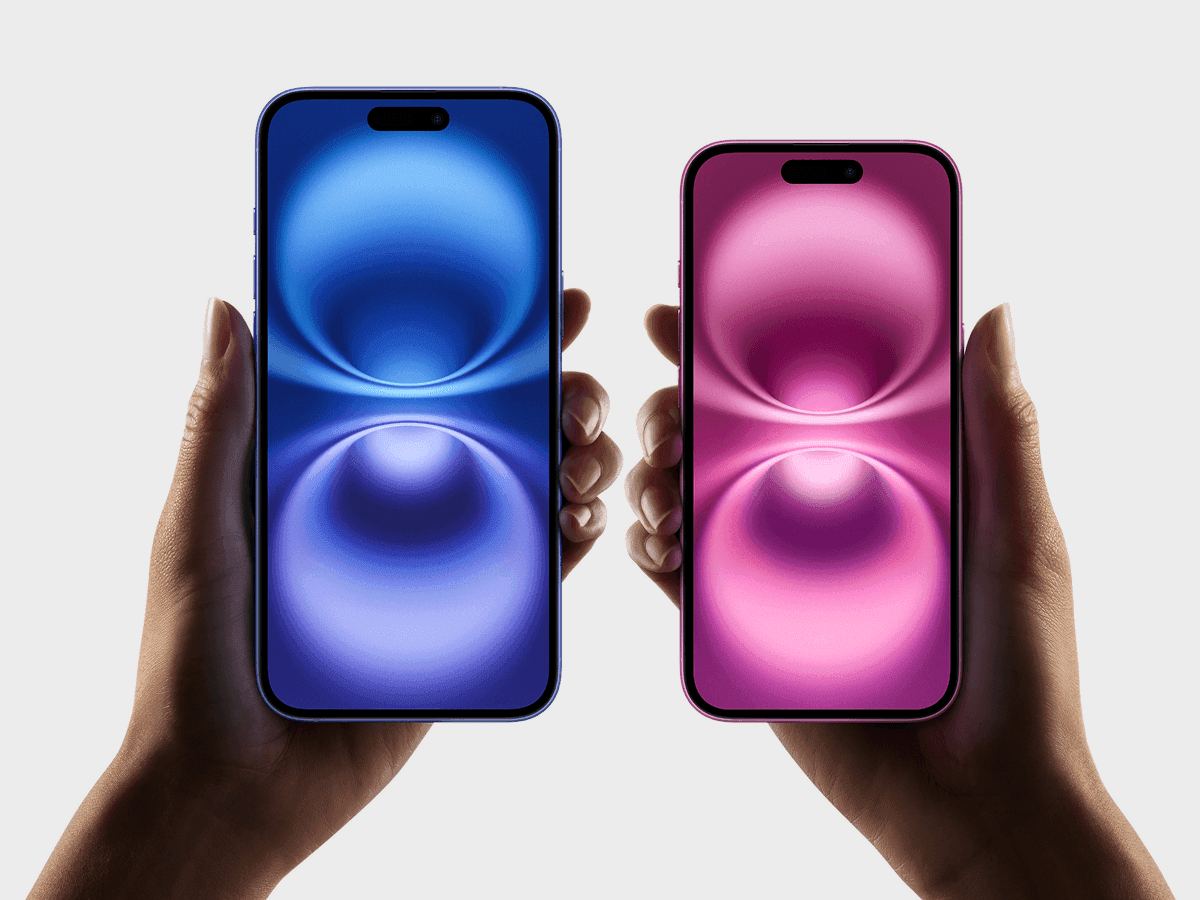
Apple iPhone 16 Plus
✅ Ready to Simulate in Extension
6.7-inch smartphone released in 2024, featuring 430x932px viewport resolution, 3x pixel density display
See full specifications
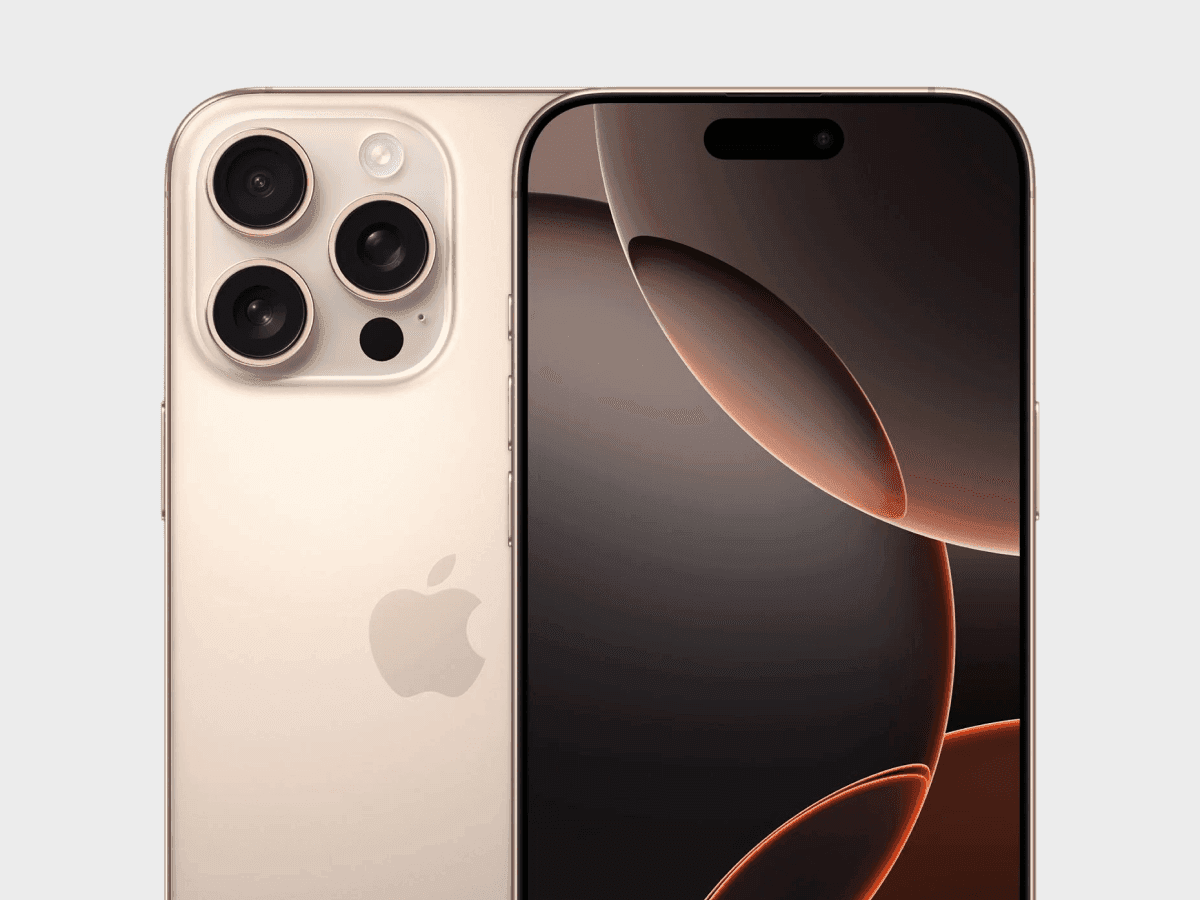
Apple iPhone 16 Pro
✅ Ready to Simulate in Extension
6.3-inch smartphone released in 2024, featuring 402x874px viewport resolution, 3x pixel density display
See full specifications
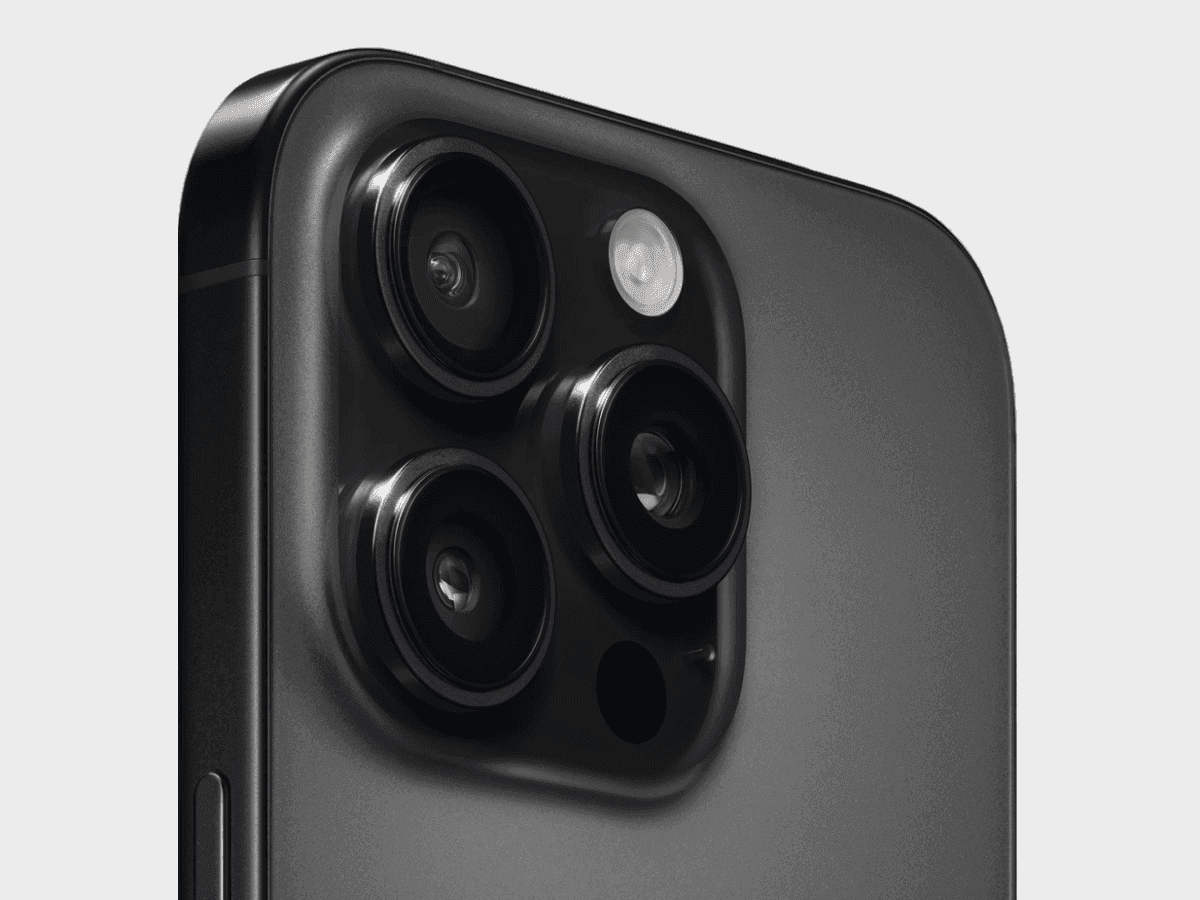
Apple iPhone 16 Pro Max
✅ Ready to Simulate in Extension
6.9-inch smartphone released in 2024, featuring 440x956px viewport resolution, 3x pixel density display
See full specifications
Start Simulating in 60 Seconds
No account, no setup, no physical device.
Install the Extension
Add Phone Simulator to Chrome from the Web Store. Free, one click, no signup required.
Open Any Website
Go to your site, localhost, staging URL, or any live domain you want to test.
Pick a Device Model
Select the model from the list — your website instantly appears inside a realistic frame.
Real User Reviews
Rated 4.7 in Chrome Web Store

Zwe Thuta

Great simulation app. I used it everyday at work.

Donnovan Wint
This extension is a God send. It's now an integral part of my development toolbox. LOVE IT!!

Jean Bertin cwakou
This is a great one, a very good phone simulator, works well and fast as well. Congrat!
Frequently Asked Questions
Is iPhone mobile simulator Chrome extension free?
Yes. iPhone mobile simulator is a free Chrome extension — no subscription, no account required. Install it from the Chrome Web Store in one click and start testing immediately.
How is iPhone simulator and emulator different from Chrome DevTools?
Chrome DevTools shows a bare viewport with no visual context. iPhone simulator replicates the real mobile browser interface — status bar, network icons, browser chrome — so you see exactly what your users see. It also supports instant device switching and one-click screenshots.
Can I test localhost with iPhone mobile simulator extension?
Yes. iPhone mobile simulator works with any URL — localhost:3000, 127.0.0.1, staging environments, and live production sites. No extra configuration needed.
Does iPhone simulator work with React, Next.js and other frameworks?
Yes. iPhone simulator works with any website regardless of how it was built — React, Next.js, Vue, Angular, Nuxt, SvelteKit, Webflow, WordPress, or plain HTML.
Do I need a real iPhone to use a mobile emulator?
No. iPhone mobile emulator gives you accurate simulation for free — no hardware, no setup, no waiting. A new iPhone costs $1,000+. Phone Simulator is free to get started — no credit card required.
Can I use iPhone simulator online without installing anything?
Phone Simulator is a lightweight Chrome extension — it takes one click to install and works instantly on any website. No separate online tool or account needed.
Does iPhone mobile simulator support the latest iPhone 17 and iPhone 17 Pro Max?
Yes. Phone Simulator includes iPhone 17, iPhone 17 Pro Max and all major models from the last 4 generations — updated as new devices are released.
Is there a free iPhone simulator available online?
Yes. Phone Simulator works directly in Chrome — no separate online tool needed. Install the extension once and simulate any iPhone model instantly on any website.
Is Phone Simulator also an iOS emulator, or only for iPhone?
Phone Simulator works as both an iPhone simulator and an iOS emulator — since iOS only runs on Apple hardware, simulating an iPhone means simulating the full iOS experience, viewport and all.
Can I use an iOS simulator on PC, or only on Mac?
Yes. Phone Simulator works as a Chrome extension on Windows, Mac, or any PC that runs Chrome — no Mac or Apple hardware required to simulate iPhone and iOS.
Install Phone Simulator Today
Join thousands of developers and designers who test their sites on real devices for free.
- Free
- 30,000+ users
iPhone Testing Guides
Practical guides to help you build better websites for iPhone users.
How to Design for iPhone 17 Pro Max: 2026 Complete Guide
If your website looks perfect on older iPhones but breaks on the 17 Pro Max, you're losing Apple's most premium user segment. This guide covers the technical specs, safe area handling, and practical implementation strategies you need.
Read more
How to Test a Website on iPhone 17 (and All Modern iPhones): A Complete Guide for Developers & UX Teams
This guide explains how to test your website across modern iPhones effectively - without needing a drawer full of physical devices.
Read more
Why Android and iOS Render Websites Differently - And How to Design for Both
Android and iOS render websites differently due to fundamental differences in their browser engines, default settings, and system-level behaviors. Understanding these differences is crucial for creating websites that work seamlessly across all devices.
Read more