
Free MacBook Simulator & Emulator for Website Testing
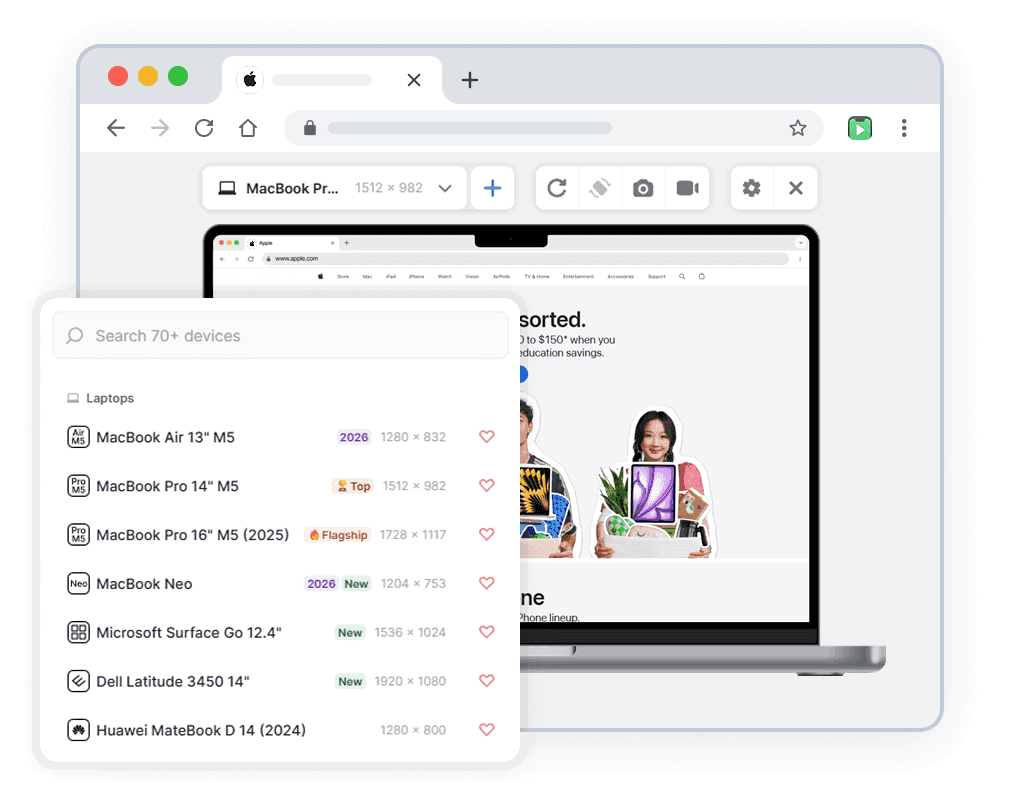
Preview any website on MacBook Pro, MacBook Air, MacBook Neo and more — directly in your browser. No device needed.
- Free
- 40,000+ users
Why Test Your Website on MacBook?
Your site may look perfect on a phone — and completely different on a MacBook's laptop screen.

MacBook Is the Most Common Dev & Design Device
Most developers, designers, and reviewers work daily on a MacBook. If your layout breaks at laptop width, your own team sees it first.

Retina Display Reveals What Desktop Monitors Miss
MacBook's high pixel-density screen exposes blurry images, thin fonts, and scaling issues that a regular external monitor preview won't show.

The Laptop Breakpoint Teams Often Skip
Most testing covers mobile, tablet, and full desktop — but the 13–16 inch laptop range in between is easy to forget, and it's often where layouts break first.

No Real MacBook Required
A new MacBook costs $1,200+. Phone Simulator gives you an accurate MacBook viewport for free — no hardware, no setup, no waiting.
MacBook Models You Can Simulate
All models available in the mobile simulator extension. Accurate viewport dimensions and realistic browser interface.
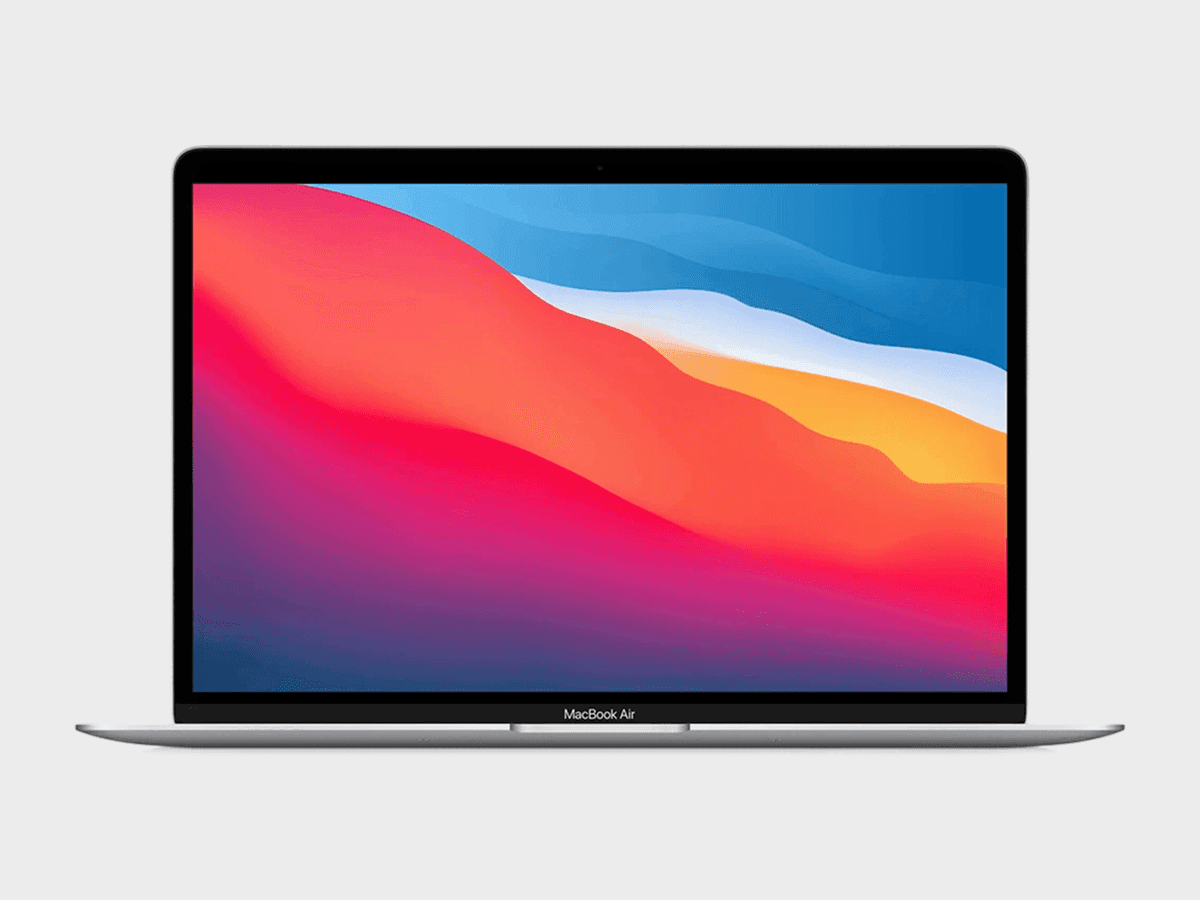
Apple MacBook Air M1
✅ Ready to Simulate in Extension
13.3-inch smartphone released in 2020, featuring 1440x900px viewport resolution, 2x pixel density display
See full specifications
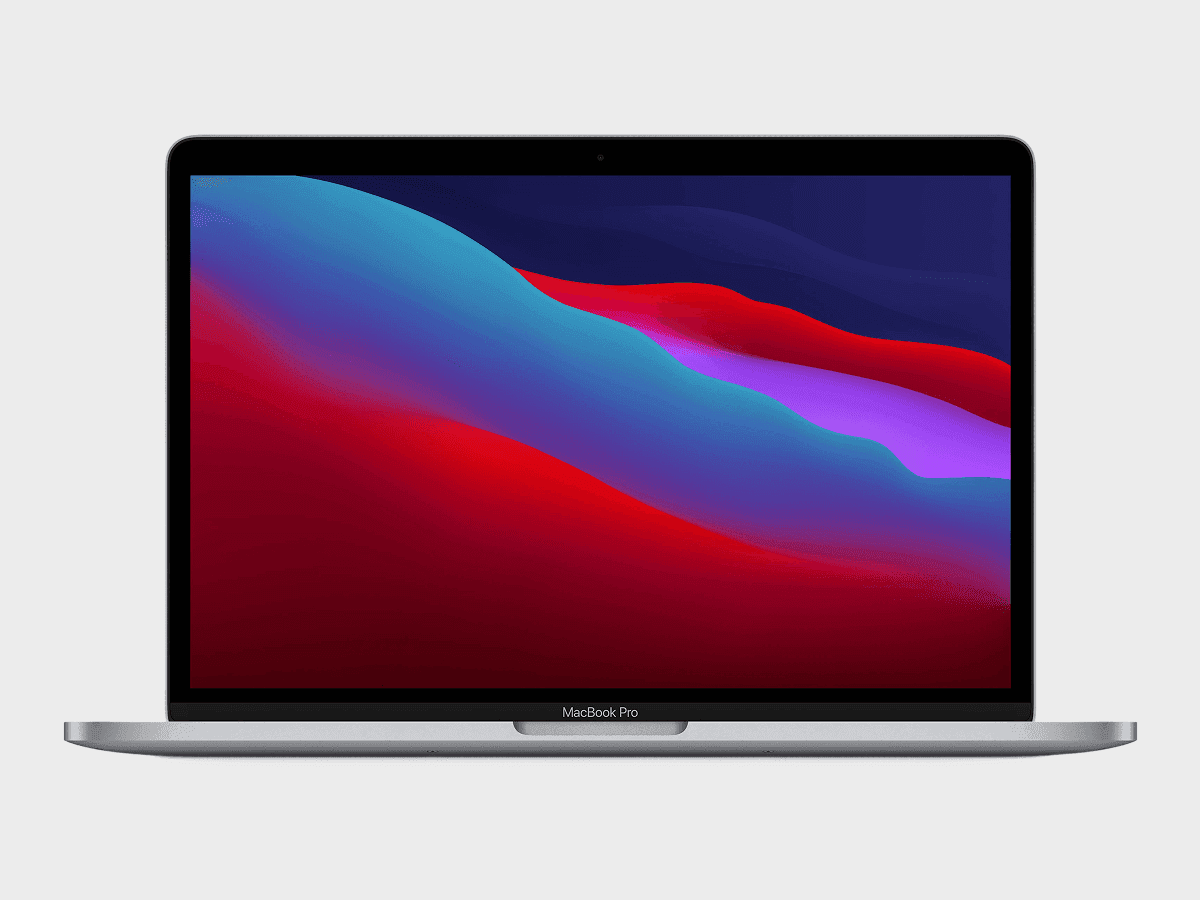
Apple MacBook Pro 13" M1
✅ Ready to Simulate in Extension
13.3-inch smartphone released in 2020, featuring 1680x1050px viewport resolution, 1.5x pixel density display
See full specifications
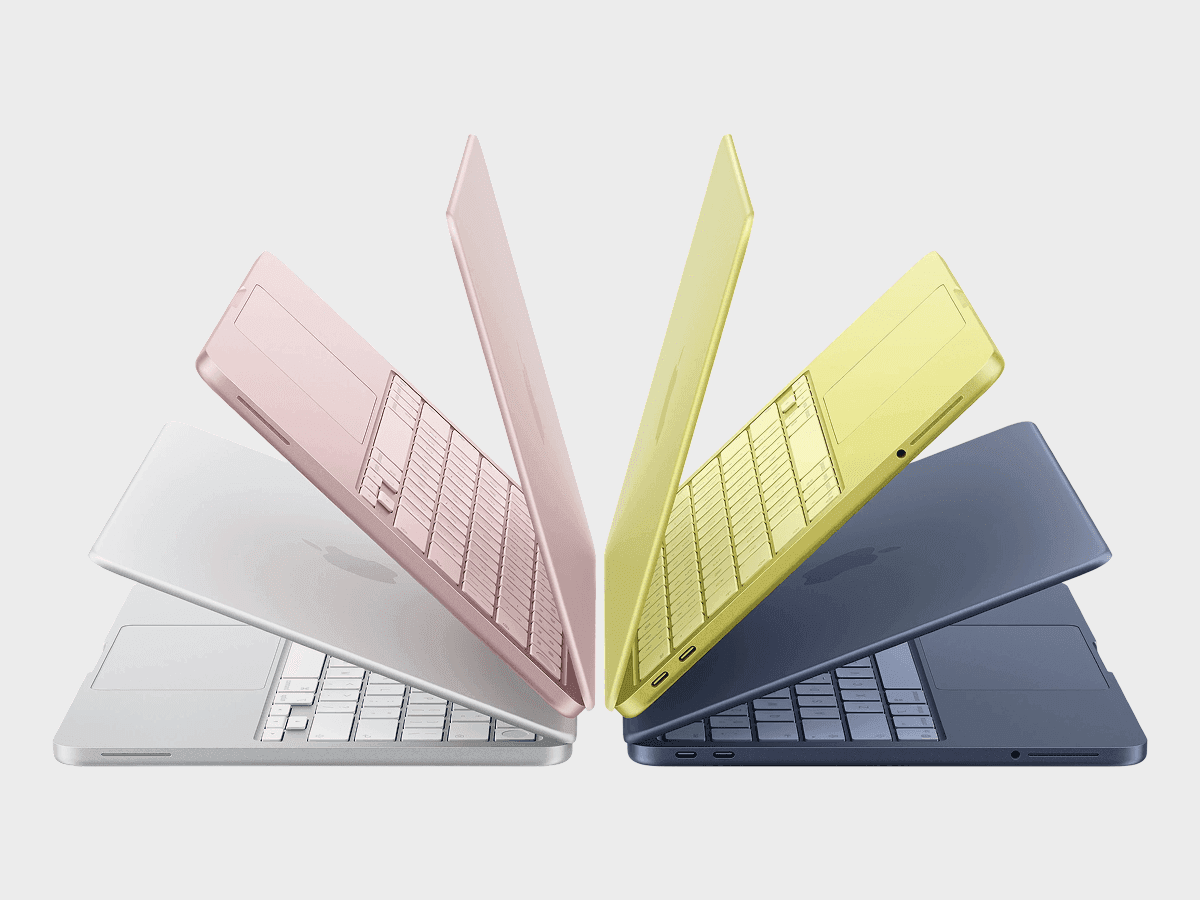
Apple MacBook Neo
✅ Ready to Simulate in Extension
13-inch smartphone released in 2026, featuring 1204x753px viewport resolution, 2x pixel density display
See full specifications
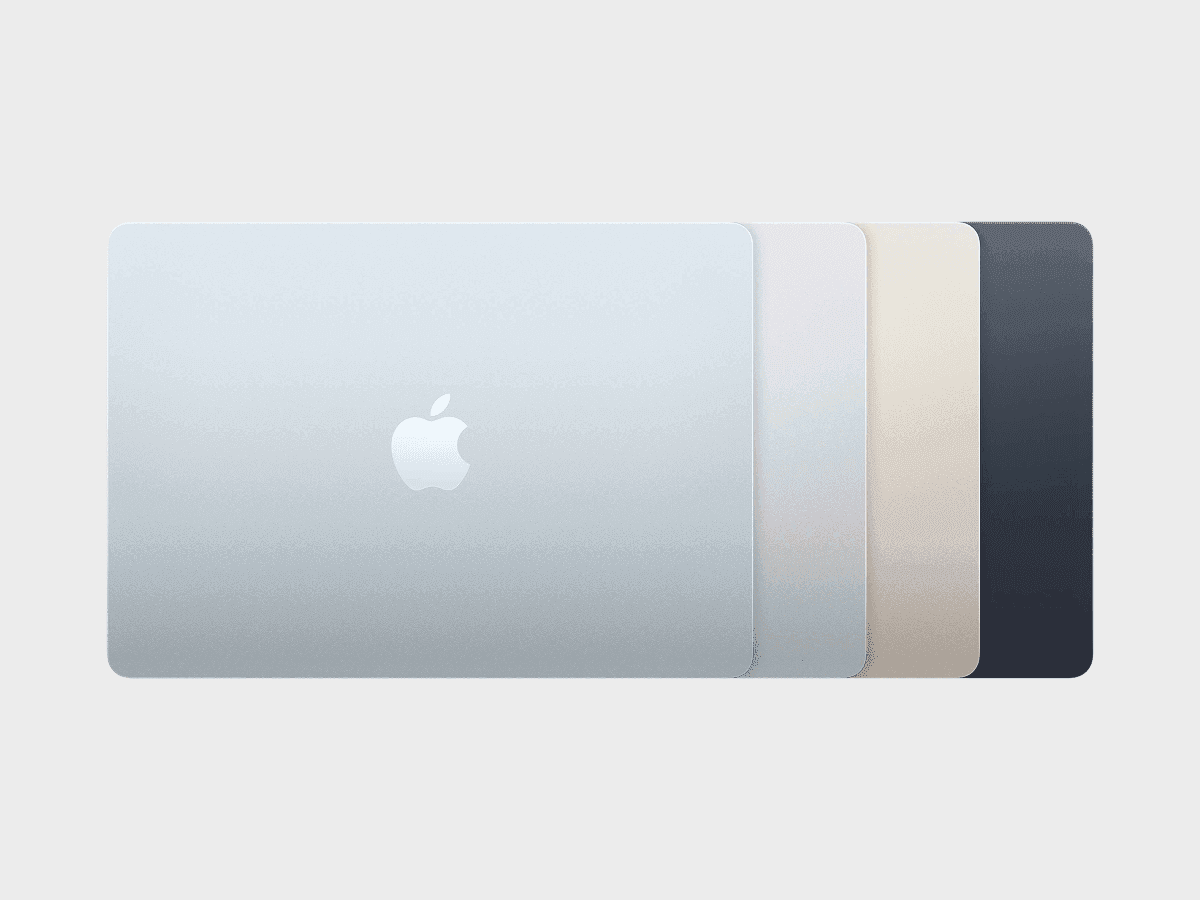
Apple MacBook Air 13" M5
✅ Ready to Simulate in Extension
13.6-inch smartphone released in 2026, featuring 1470x956px viewport resolution, 2x pixel density display
See full specifications

Apple MacBook Pro 14" M5
✅ Ready to Simulate in Extension
14.2-inch smartphone released in 2025, featuring 1440x900px viewport resolution, 2x pixel density display
See full specifications
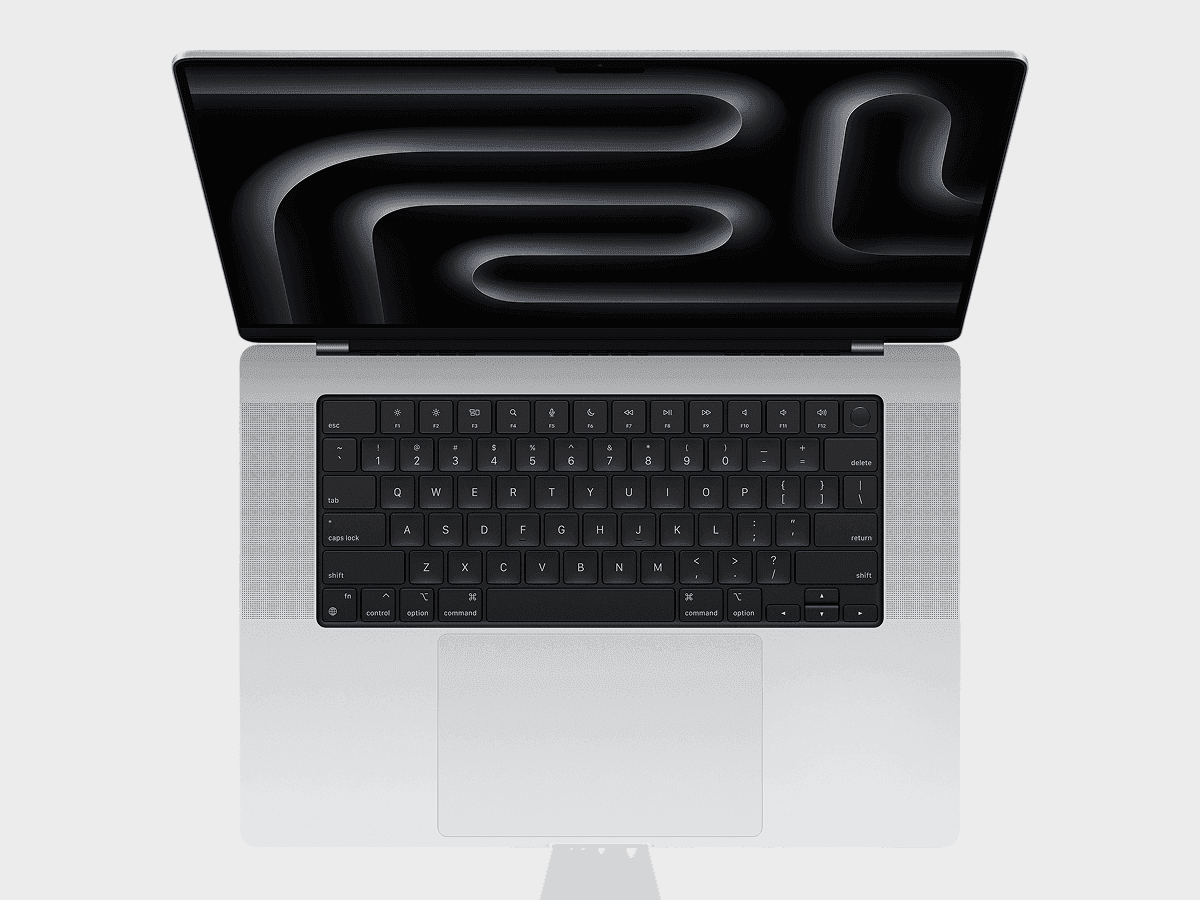
Apple MacBook Pro 16" M5
✅ Ready to Simulate in Extension
16.2-inch smartphone released in 2025, featuring 1728x1117px viewport resolution, 2x pixel density display
See full specifications
Start Simulating in 60 Seconds
No account, no setup, no physical device.
Install the Extension
Add Phone Simulator to Chrome from the Web Store. Free, one click, no signup required.
Open Any Website
Go to your site, localhost, staging URL, or any live domain you want to test.
Pick a Device Model
Select the model from the list — your website instantly appears inside a realistic frame.
Real User Reviews
Rated 4.7 in Chrome Web Store

Abolfazl B.

I’m a react front-end developer and honestly this extension saved a LOT of time for me

Ayokunle F.
Makes coding and watching preview on multiple devices so much easier

Svyatoslav Y.
I like that the developer often adds new devices!
Frequently Asked Questions
Is MacBook mobile simulator Chrome extension free?
Yes. MacBook mobile simulator is a free Chrome extension — no subscription, no account required. Install it from the Chrome Web Store in one click and start testing immediately.
How is MacBook simulator and emulator different from Chrome DevTools?
Chrome DevTools shows a bare viewport with no visual context. MacBook simulator replicates the real mobile browser interface — status bar, network icons, browser chrome — so you see exactly what your users see. It also supports instant device switching and one-click screenshots.
Can I test localhost with MacBook mobile simulator extension?
Yes. MacBook mobile simulator works with any URL — localhost:3000, 127.0.0.1, staging environments, and live production sites. No extra configuration needed.
Does MacBook simulator work with React, Next.js and other frameworks?
Yes. MacBook simulator works with any website regardless of how it was built — React, Next.js, Vue, Angular, Nuxt, SvelteKit, Webflow, WordPress, or plain HTML.
Do I need a real MacBook to use a mobile emulator?
No. MacBook mobile emulator gives you accurate simulation for free — no hardware, no setup, no waiting. A new MacBook costs $1,000+. Phone Simulator is free to get started — no credit card required.
Can I use MacBook simulator online without installing anything?
Phone Simulator is a lightweight Chrome extension — it takes one click to install and works instantly on any website. No separate online tool or account needed.
Does MacBook simulator support the latest MacBook Pro and MacBook Air models?
Yes. Phone Simulator includes MacBook Pro 16″, MacBook Pro 14″, MacBook Air 15″ and MacBook Air 13″ — updated as new models are released.
Is there a free MacBook simulator available online?
Yes. Phone Simulator works directly in Chrome — no separate online tool needed. Install the extension once and simulate any MacBook screen size instantly on any website.
Can MacBook simulator test Retina resolution and scaling issues?
Yes. Phone Simulator matches MacBook's exact viewport dimensions and pixel density, so you can catch Retina-specific scaling and image-quality issues directly in your browser.
Install Phone Simulator Today
Join thousands of developers and designers who test their sites on real devices for free.
- Free
- 40,000+ users
MacBook Testing Guides
Practical guides to help you build better websites for MacBook users.

How to Optimize a Landing Page for Mobile Conversions
High traffic means nothing if your page can't convert. This guide walks through practical optimizations that actually move the needle on mobile conversion rates - from layout decisions to form design to testing workflows that catch issues before they cost you sales.
Read more

How to Test a Website Across 30+ Devices Without Buying Them: 2026 Workflow
Modern testing workflows combine browser tools, emulation software, and strategic real-device testing to catch 95% of issues without owning a single extra device. This guide shows you how to build a comprehensive testing process that covers everything from the latest iPhone 17 to budget Android phones - without spending thousands on hardware.
Read more

Why Your Website Should Load in Under 2 Seconds on Mobile - Backed by 2025–2026 Data
This guide explains why 2 seconds became the standard, what current data tells us about mobile performance, and how to hit that target consistently across devices and networks.
Read more