

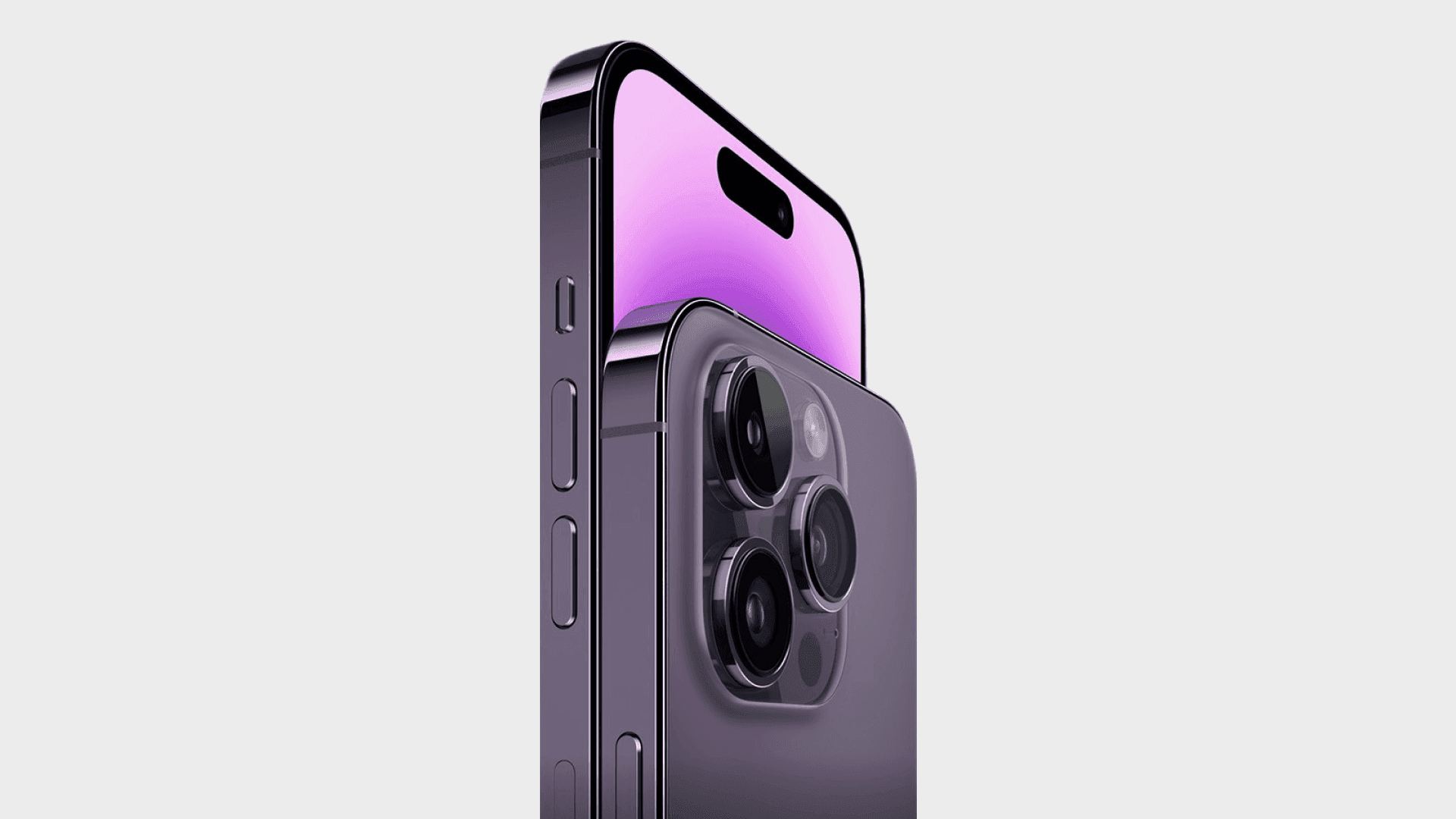
Apple iPhone 14 Pro Simulator & Emulator — Viewport, Resolution & CSS Specs
Test your website on Apple iPhone 14 Pro in one click — no real device required.
- Free
- 30,000+ users
Apple iPhone 14 Pro is a popular device to simulate and emulate among web developers and designers for testing responsive layouts and mobile UI behavior. Year of release: 2022.
Why Test on Apple iPhone 14 Pro?
Viewport
Tall viewport stresses modern responsive layouts and sticky UI elements.
Pixel Density (DPR)
High pixel density exposes image quality, scaling inconsistencies and minor visual flaws.
Performance & Animations
High refresh rate expectations make animation problems noticeable.
Viewport Size (CSS Resolution)
The CSS viewport defines how media queries, layout breakpoints, and responsive components behave.
For Apple iPhone 14 Pro, the CSS viewport measures:
- Width: 393 px
- Height: 852 px
ℹ️ The visible height can vary slightly depending on the browser UI (Safari, Chrome, etc.).
Some analytics platforms only display the physical screen resolution (see below) instead of the CSS viewport size.
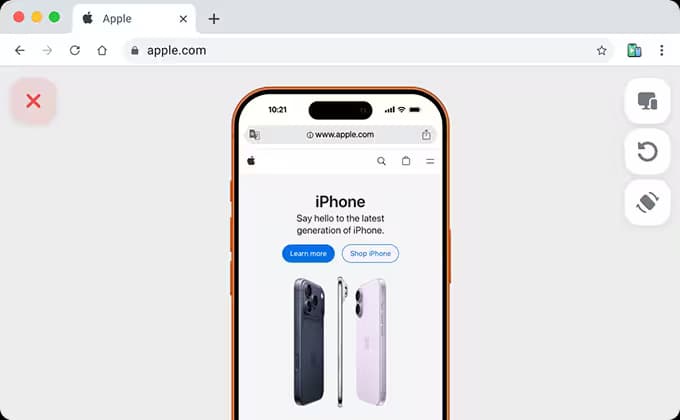
To see exactly how this viewport behaves in real conditions, you can simulate Apple iPhone 14 Pro directly in your browser using Phone Simulator.
Free Apple iPhone 14 Pro Simulator & Emulator
Accurate viewport simulation directly in your browser.
- No account required
- 40+ devices included
- Works offline
- Free
- 30,000+ users
Pixel Density (Device Pixel Ratio)
Apple iPhone 14 Pro has a device pixel ratio of 3.
Each CSS pixel is rendered using 3 physical pixels, resulting in sharper text and images.
For CSS targeting:
@media only screen and (-webkit-min-device-pixel-ratio: 3) {
	/* High-DPI specific styles */
}
In JavaScript:
window.devicePixelRatio;
// returns: 3
Physical Screen Resolution
Physical resolution refers to the actual number of hardware pixels on the display. While it does not affect CSS layouts, it is commonly shown in analytics and device specifications.
- Width: 1179 px
- Height: 2556 px
ℹ️ Physical resolution is not used for CSS layouts but is often shown in analytics tools.
Frequently Asked Questions
What is the viewport size of Apple iPhone 14 Pro?
Apple iPhone 14 Pro has a viewport size of 393×852 CSS pixels.
How can I test my website on Apple iPhone 14 Pro?
You can simulate it instantly using the Phone Simulator Chrome extension - no real device required.
How is Phone Simulator better than Chrome DevTools for Apple iPhone 14 Pro?
DevTools shows an approximate viewport size, but does not emulate the real mobile browser. Phone Simulator uses exact device characteristics and shows how your site renders in a real mobile browser environment.
Can I test localhost with Phone Simulator on Apple iPhone 14 Pro?
Yes. Phone Simulator works with any local URL, including localhost:3000, 127.0.0.1, and similar development setups.
Do I need to buy a Apple iPhone 14 Pro for testing?
No. Phone Simulator provides accurate device simulation for $0 instead of spending $399+ on a physical device.
More Devices for Mobile Testing
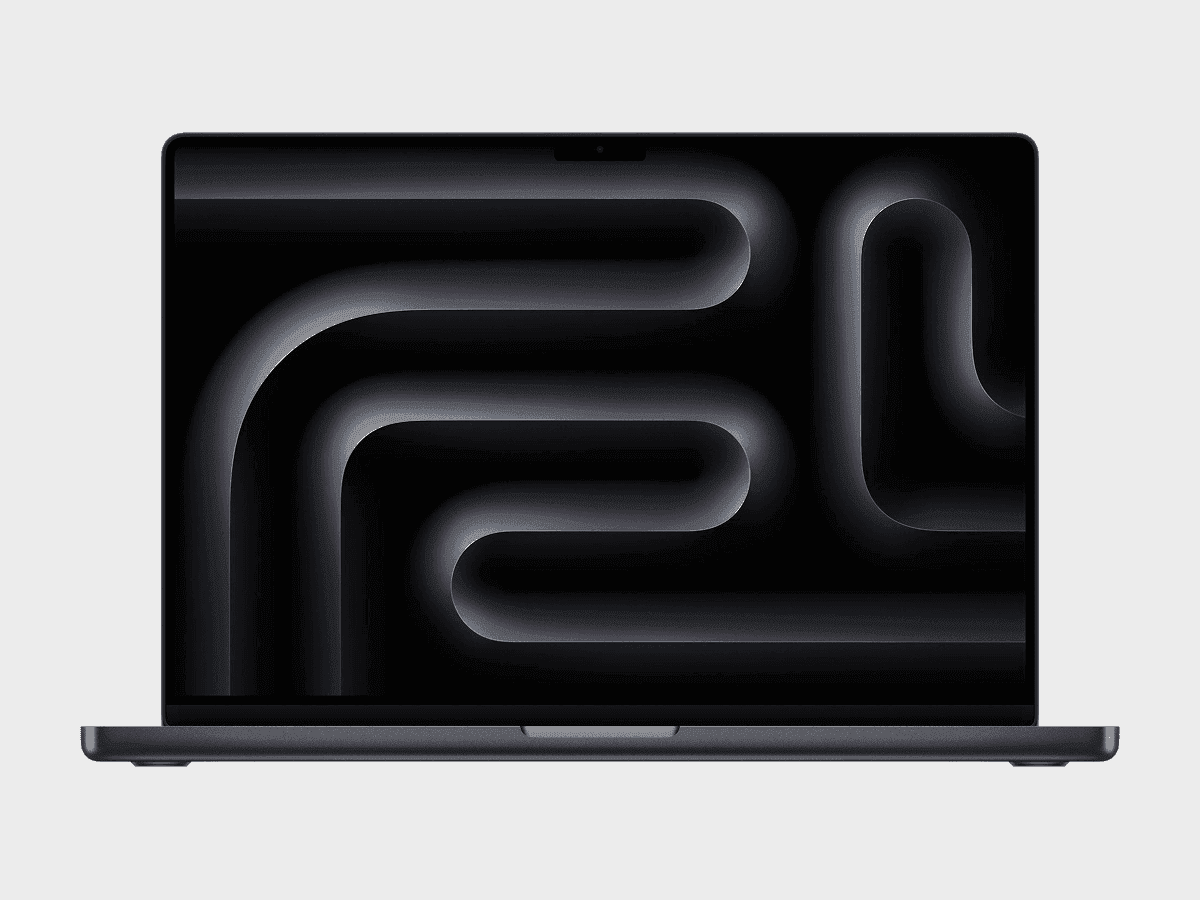
Apple MacBook Pro 14" M5
✅ Ready to Simulate in Extension
14.2-inch smartphone released in 2025, featuring 1440x900px viewport resolution, 2x pixel density display
See full specifications
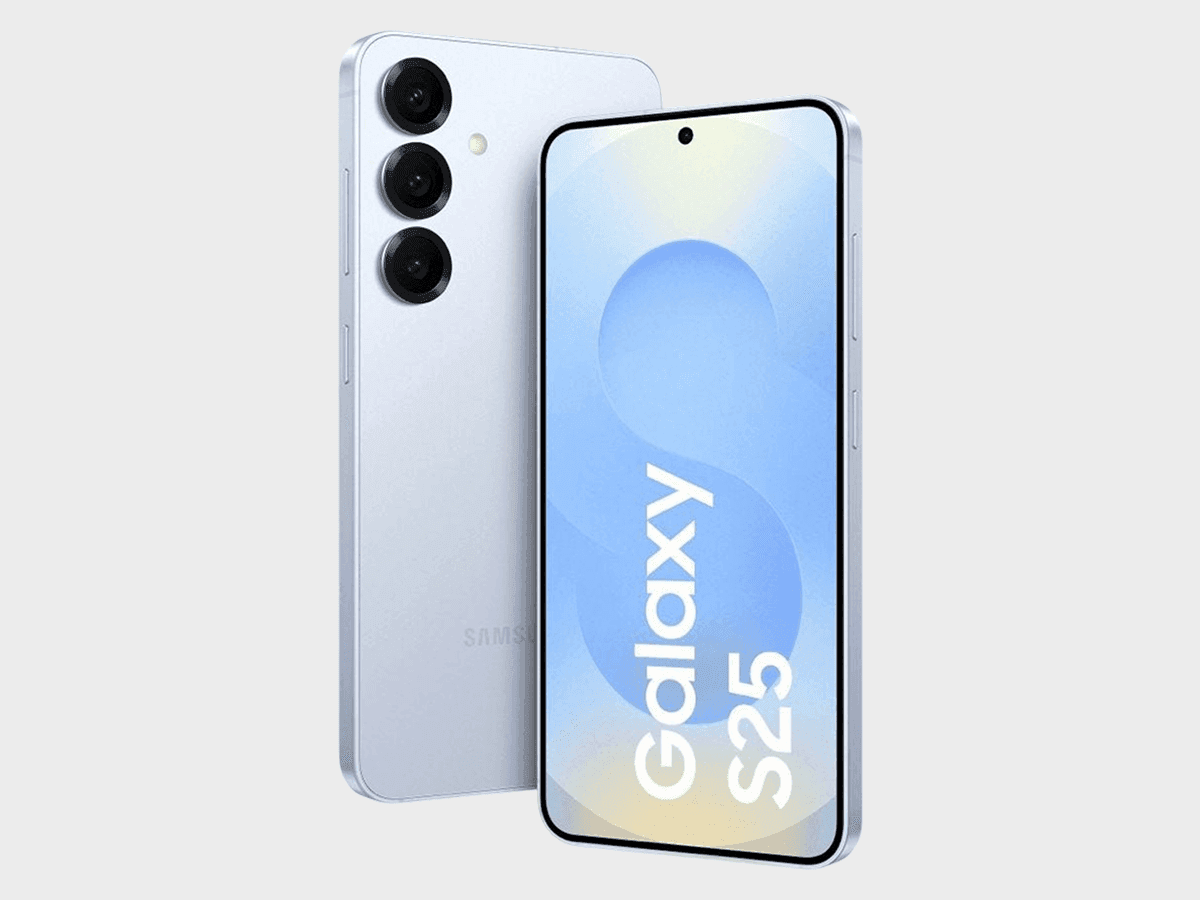
Samsung Galaxy S25
✅ Ready to Simulate in Extension
6.2-inch smartphone released in 2025, featuring 360x780px viewport resolution, 3x pixel density display
See full specifications
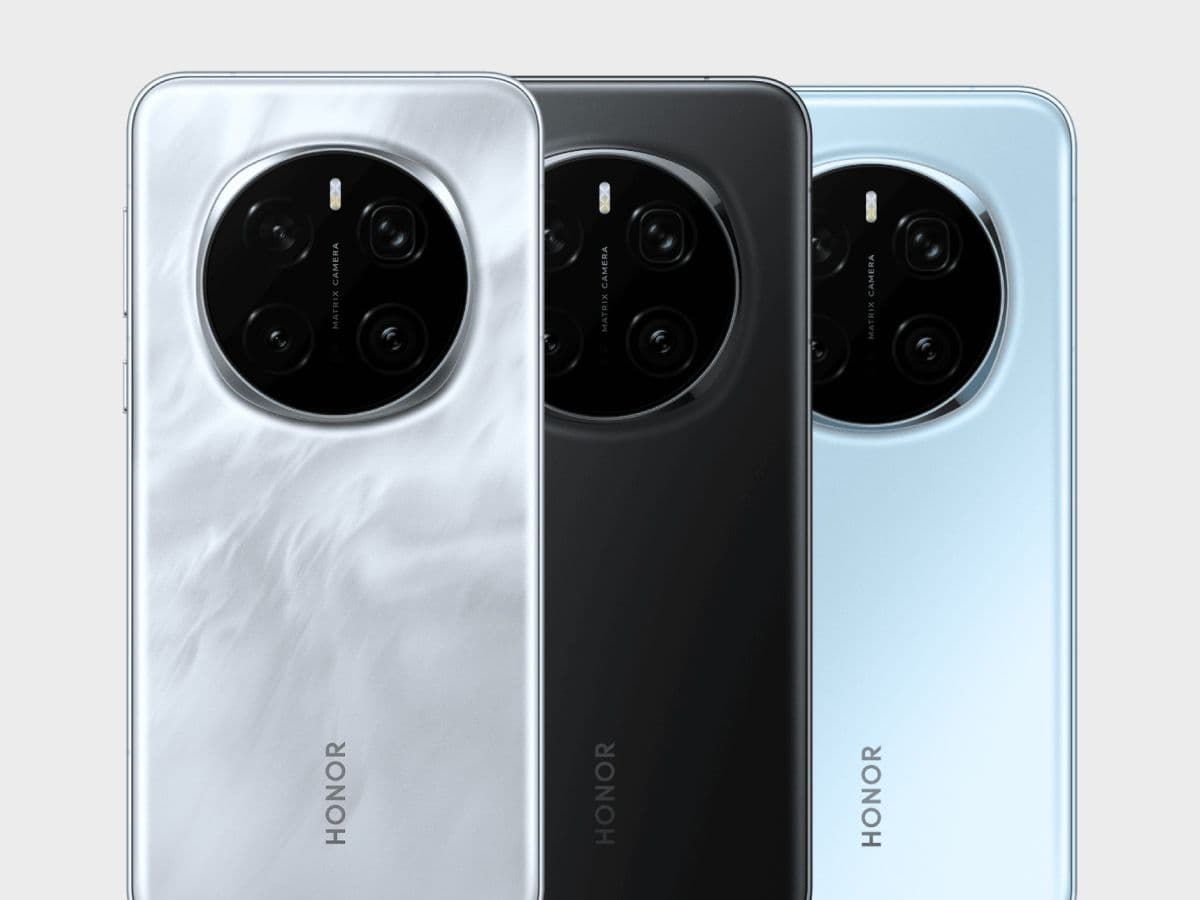
Honor Magic7 Pro
6.8-inch smartphone released in 2024, featuring 427x933px viewport resolution, 3x pixel density display
See full specifications